
AI Proposal Maker
Turns a project description and price into a branded client proposal you can share or download.

Images: proposalkit.io
What AI Proposal Maker can do in ChatGPT
Write client proposals from a short project description.
Branded Proposals
Get a document with cover, scope and pricing in your branding.
Itemized Pricing
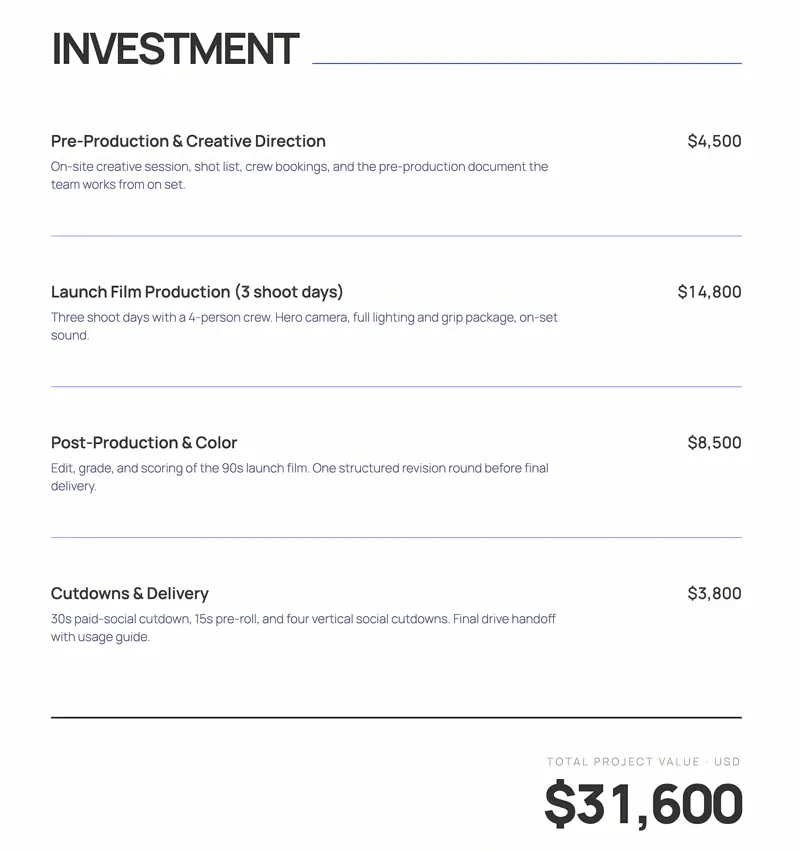
Break the project price into clear line items.
Shareable Links
Get a hosted link the moment the proposal is ready.
PDF Download
Download a finished PDF to attach or print.
Open Tracking
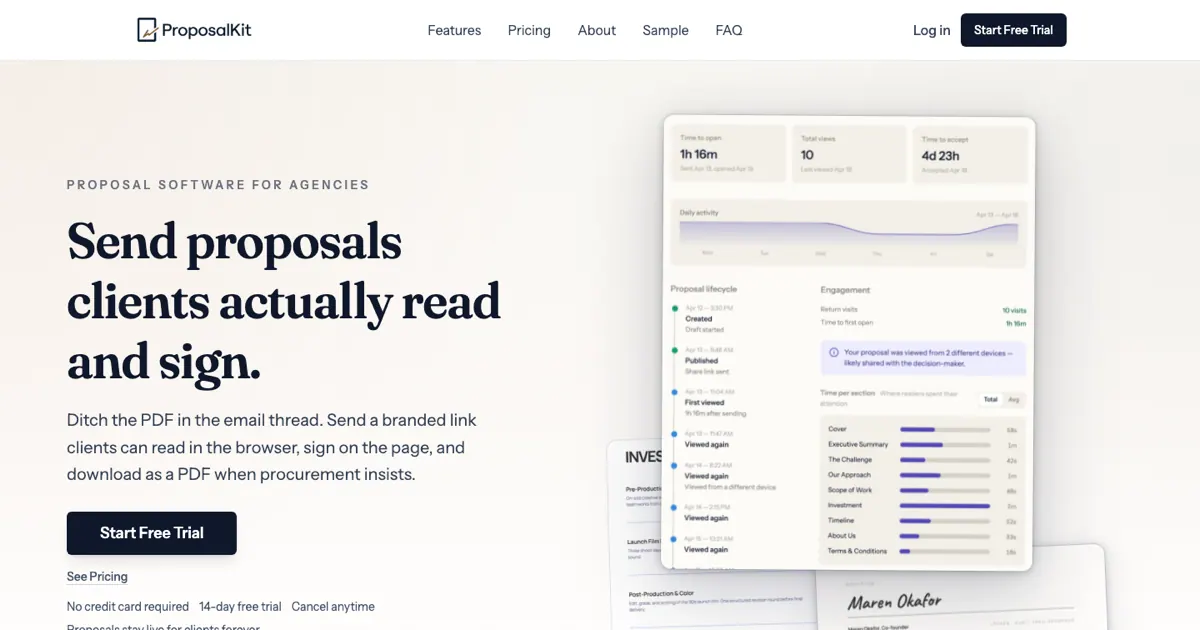
Publish a branded link and see when the client opens it.
You stay in control
You approve access, and you can disconnect AI Proposal Maker at any time.
Apps 1
What AI Proposal Maker does in ChatGPT
The AI Proposal Maker plugin turns a project you describe in ChatGPT into a client proposal that is ready to send. You explain the work and the price, and it lays out a document with a cover page, a scope of work and a pricing section, styled with your branding.
When the proposal is done you get a hosted link you can share right away. You can also download it as a PDF, or publish a branded link that tells you when the client opens it. Besides proposals, it can produce quotes and statements of work.
The listing says you do not need an account to start. That makes it easy to try on a real job: describe the client, the project and a rough budget, then refine the scope or the line items in the chat before you send it.
Who it is for
- Freelancers sending client quotes
- Small agencies writing proposals
- Consultants preparing statements of work
How to add AI Proposal Maker to ChatGPT
- Open the AI Proposal Maker listing in ChatGPT ↗.
- Click Install plugin.
- Sign in to your AI Proposal Maker account when asked and approve the access it requests.
- Start a chat and ask for what you need, mentioning AI Proposal Maker if ChatGPT does not pick it up.
- To stop, disconnect AI Proposal Maker under apps in your ChatGPT settings.
Questions about AI Proposal Maker
What is the AI Proposal Maker ChatGPT plugin?
The AI Proposal Maker plugin turns a project you describe in ChatGPT into a client proposal that is ready to send. You explain the work and the price, and it lays out a document with a cover page, a scope of work and a pricing section, styled with your branding. It is listed in ChatGPT's plugin marketplace under Business & Operations.
What can I ask AI Proposal Maker to do in ChatGPT?
For example: "Make a proposal for a Webflow redesign for Northwind Skincare at about $7k", "Draft a proposal with itemized pricing for a logo and brand guide", "Add a scope of work section to this proposal".
Who makes the AI Proposal Maker plugin for ChatGPT?
The ChatGPT listing names Oldfire as the developer. The version listed on 8 October 2026 was 2.0.0.
How do I add AI Proposal Maker to ChatGPT?
Open the AI Proposal Maker listing in ChatGPT, click Install plugin, sign in to your AI Proposal Maker account and approve the access it asks for. Then ask for what you need in a chat, mentioning AI Proposal Maker if ChatGPT does not pick it up.
Can AI Proposal Maker change things in my account, or only read?
It uses the project details and prices you type to build a proposal document, then hosts it as a link or PDF. Published links can show you when the client opens them.
Who is the AI Proposal Maker plugin for?
Freelancers sending client quotes, small agencies writing proposals and consultants preparing statements of work.
Do I need an account to use AI Proposal Maker?
The listing says no account is needed to start.
How do I get the proposal to my client?
You can share the hosted link, download a PDF, or publish a branded link that shows when the client opens it.
Does AI Proposal Maker see my ChatGPT chats?
When AI Proposal Maker is connected, ChatGPT may share the parts of your chats and memories that matter for a request with AI Proposal Maker. What AI Proposal Maker does with that data falls under its own terms and privacy policy. ChatGPT keeps your training-data settings, and you can disconnect at any time.
How do I disconnect AI Proposal Maker from ChatGPT?
Open your ChatGPT settings, go to apps, and disconnect AI Proposal Maker. You can reconnect later from the listing.
What are alternatives to AI Proposal Maker in ChatGPT?
Similar plugins in the ChatGPT marketplace include Ofia Doc Maker, Abacor and Close. Each has its own page in this directory.



Privacy and your data
When AI Proposal Maker is connected, ChatGPT may share the parts of your chats and memories that matter for a request with AI Proposal Maker. What AI Proposal Maker then does with that data falls under its own terms and privacy policy, not only OpenAI's. ChatGPT keeps your training-data settings for data that comes from connected apps, and you can disconnect at any time.
AI Proposal Maker privacy policy ↗AI Proposal Maker terms ↗OpenAI: apps in ChatGPT ↗