Independent ChatGPT plugin directory
Find ChatGPT plugins by task.
Browse the ChatGPT plugin marketplace by name, task, or category. See quick previews and related options before opening a listing.
Built a plugin? Get it listed and found ↗

Available in ChatGPTTry in ChatGPT ↗
1360 plugins











































































No plugins match that search. Try a name or another task.
ChatGPT plugins: common questions
What are ChatGPT plugins?
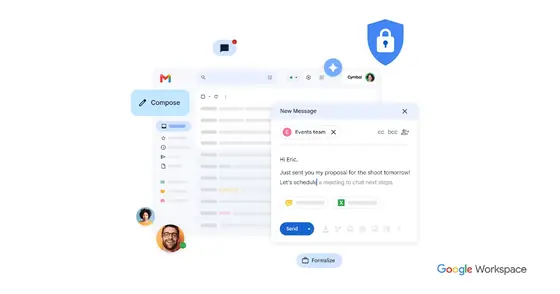
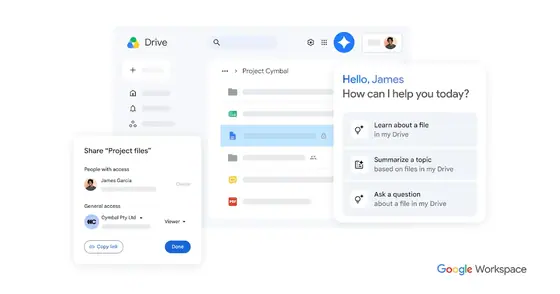
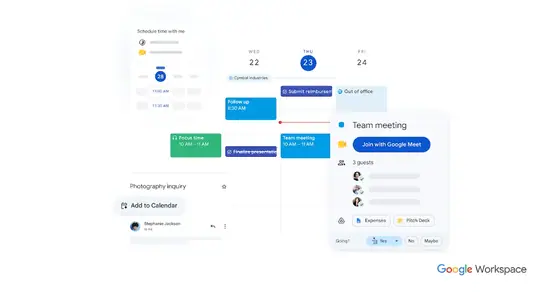
ChatGPT plugins, also called apps, connect ChatGPT to other tools and services. Once you add one, ChatGPT can search, read or act in that service for you, like finding a file in Google Drive, drafting a design in Canva or looking up flights on Skyscanner.
How many ChatGPT plugins are there?
This directory lists 1360 plugins with a public ChatGPT listing, across 20 categories. We add new ones as they appear.
How do I add a plugin to ChatGPT?
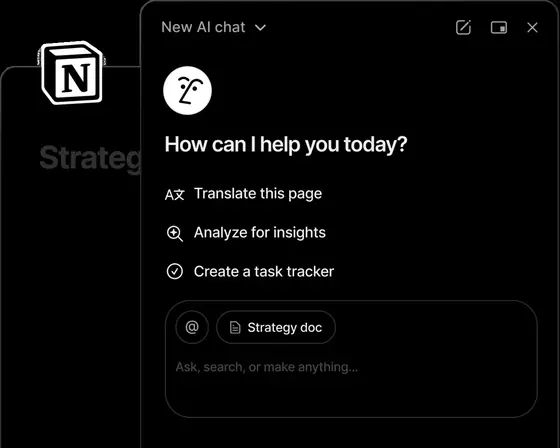
Open the plugin's page here and click Try in ChatGPT. That opens its listing in ChatGPT, where you add it and connect your account if it needs one. You can then call it in a chat by typing @ and its name.
Are ChatGPT plugins free?
Adding a plugin to ChatGPT is free, but the service behind it may need its own account or paid plan for some features. Each plugin page mentions this when the listing does.
Is there a ChatGPT plugin marketplace?
ChatGPT has its own plugin directory inside the app. This site is an independent marketplace guide to it, where you can search every plugin by task or category and read examples, setup steps and privacy notes before you add one.
Are ChatGPT plugins safe to use?
A plugin can see what you share with it in a chat and what the connected account allows. Read the privacy section on each plugin page, connect only services you trust, and disconnect plugins you no longer use in ChatGPT's settings.
Know a plugin we missed?
Send us its public ChatGPT listing. We check every entry before adding it.