
Apollo.io
Lets ChatGPT search, enrich and act on accounts and contacts in your Apollo workspace.


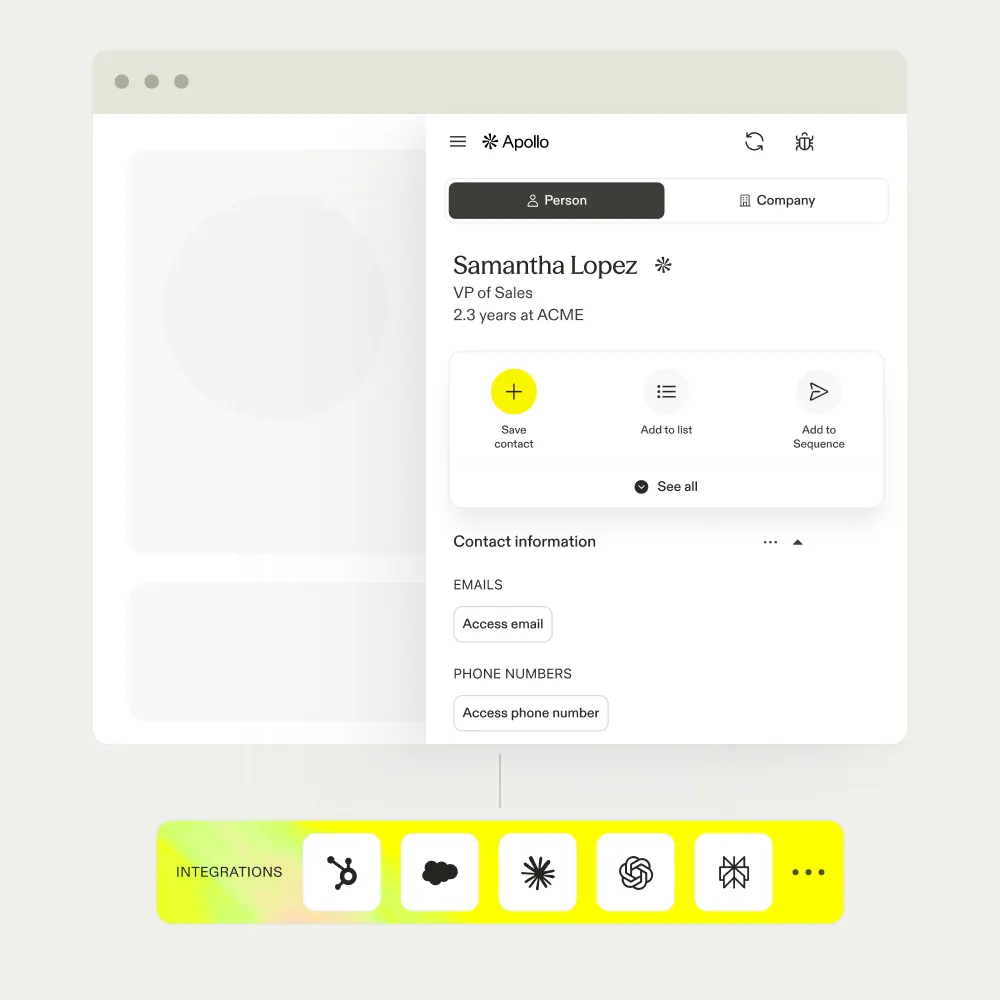
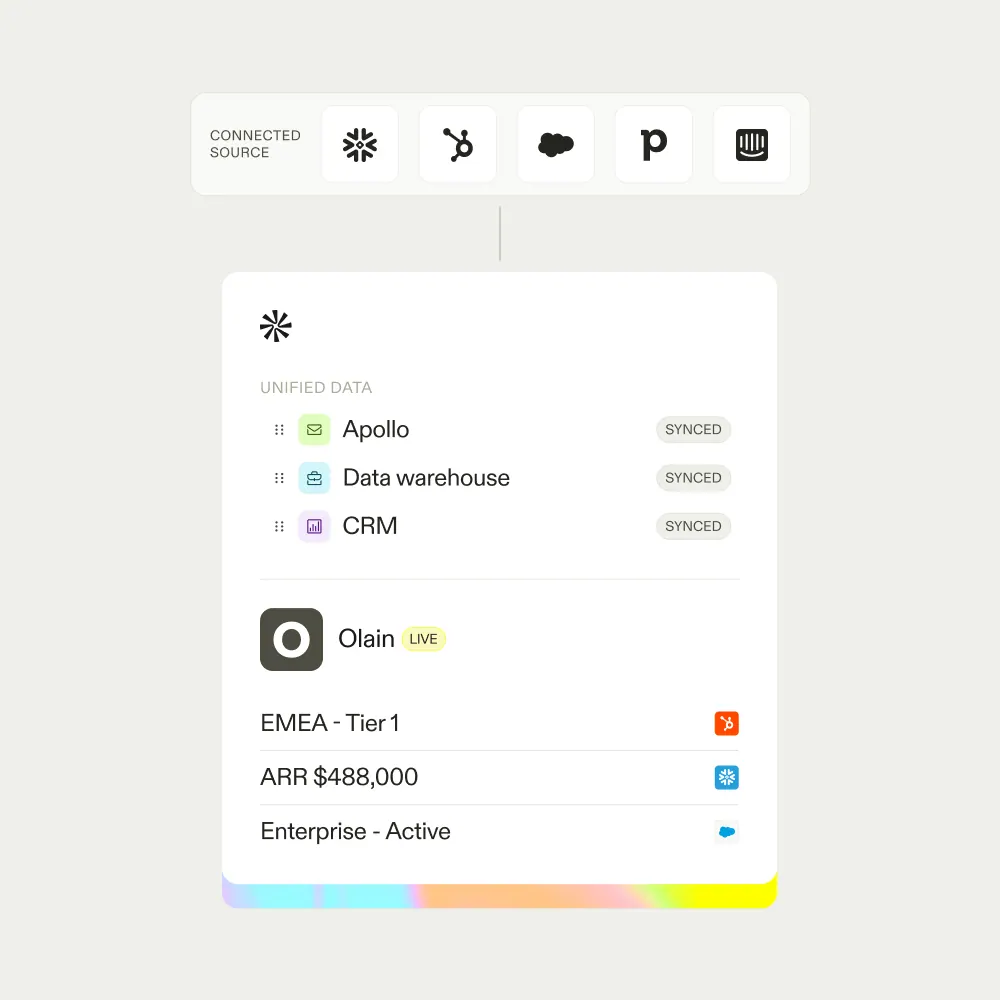
Images: apollo.io
What Apollo.io can do in ChatGPT
Prospect and plan outreach from your workspace.
Account Search
Find and qualify companies and contacts with Apollo's data.
Record Enrichment
Fill in missing details on accounts and contacts.
List Building
Create prospect lists from your search results.
Notes And Tasks
Log notes and create follow-up tasks on records.
Sequence Drafts
Draft outbound steps using your Apollo sequences.
You stay in control
You approve access, and you can disconnect Apollo.io at any time.
Apps 1
What Apollo.io does in ChatGPT
The Apollo.io plugin lets ChatGPT work inside your Apollo workspace for sales prospecting. You can search for companies and people using Apollo's data, narrow them down to the ones that fit, add missing details to records and get a short summary of what matters about each account.
It can also take action. It creates lists, logs notes, sets up tasks and helps draft or put together outbound outreach using Apollo sequences. It follows your team's rules and the permissions already set in the workspace, so it only reaches what your account can reach.
The listing says ChatGPT fetches only what you ask for and prepares work for you to review, personalise and adjust before anything goes out. You need an Apollo account and workspace to connect, and what it can do depends on the access your own user has there.
Who it is for
- Sales reps prospecting new accounts
- SDR teams running outbound
- Founders doing their own outreach
How to add Apollo.io to ChatGPT
- Open the Apollo.io listing in ChatGPT ↗.
- Click Install plugin.
- Sign in to your Apollo.io account when asked and approve the access it requests.
- Start a chat and ask for what you need, mentioning Apollo.io if ChatGPT does not pick it up.
- To stop, disconnect Apollo.io under apps in your ChatGPT settings.
Questions about Apollo.io
What is the Apollo.io ChatGPT plugin?
The Apollo.io plugin lets ChatGPT work inside your Apollo workspace for sales prospecting. You can search for companies and people using Apollo's data, narrow them down to the ones that fit, add missing details to records and get a short summary of what matters about each account. It is listed in ChatGPT's plugin marketplace under Business & Operations.
What can I ask Apollo.io to do in ChatGPT?
For example: "Find 5 US fintechs with job postings in the last 90 days", "Enrich these ten contacts with job titles and emails", "Create a list of SaaS companies in Germany with 50 to 200 staff".
Who makes the Apollo.io plugin for ChatGPT?
The ChatGPT listing names Apollo.io as the developer. The version listed on 8 October 2026 was 5.0.0.
How do I add Apollo.io to ChatGPT?
Open the Apollo.io listing in ChatGPT, click Install plugin, sign in to your Apollo.io account and approve the access it asks for. Then ask for what you need in a chat, mentioning Apollo.io if ChatGPT does not pick it up.
Can Apollo.io change things in my account, or only read?
It reads and enriches accounts and contacts in your Apollo workspace and can create lists, notes, tasks and sequence drafts, within your workspace permissions.
Who is the Apollo.io plugin for?
Sales reps prospecting new accounts, sDR teams running outbound and founders doing their own outreach.
Does Apollo.io respect my team's permissions?
Yes. The listing says it follows workspace access and your team's rules.
Will it send outreach without me checking?
The listing describes drafting outbound for you to review and personalize before sending.
Does Apollo.io see my ChatGPT chats?
When Apollo.io is connected, ChatGPT may share the parts of your chats and memories that matter for a request with Apollo.io. What Apollo.io does with that data falls under its own terms and privacy policy. ChatGPT keeps your training-data settings, and you can disconnect at any time.
How do I disconnect Apollo.io from ChatGPT?
Open your ChatGPT settings, go to apps, and disconnect Apollo.io. You can reconnect later from the listing.
What are alternatives to Apollo.io in ChatGPT?
Similar plugins in the ChatGPT marketplace include Vibe Prospecting, Nitrosend - AI Native Email and RocketReach. Each has its own page in this directory.



Privacy and your data
When Apollo.io is connected, ChatGPT may share the parts of your chats and memories that matter for a request with Apollo.io. What Apollo.io then does with that data falls under its own terms and privacy policy, not only OpenAI's. ChatGPT keeps your training-data settings for data that comes from connected apps, and you can disconnect at any time.
Apollo.io privacy policy ↗Apollo.io terms ↗OpenAI: apps in ChatGPT ↗