
Calendly
Handles Calendly scheduling from ChatGPT: event types, booking links, availability, bookings and cancellations.

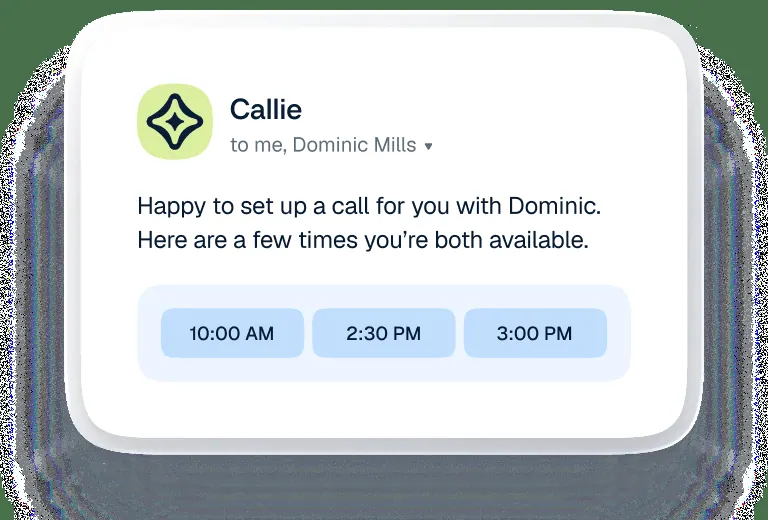


Images: calendly.com
What Calendly can do in ChatGPT
Set up and change Calendly scheduling by asking.
Event Types
Create and update meeting types with a length and meeting method.
Scheduling Links
Generate links people can use to book time with you.
Availability
Adjust the hours when people can book you.
Book Meetings
Book a meeting from a short request in the chat.
Cancel Meetings
Cancel an appointment by naming the meeting and time.
You stay in control
You approve access, and you can disconnect Calendly at any time.
Apps 1
What Calendly does in ChatGPT
The Calendly plugin lets you manage your Calendly scheduling by typing requests in ChatGPT. Instead of opening Calendly settings, you can ask it to set up a new meeting type, give you a scheduling link or change when you are available. It works with the Calendly account you connect.
The listing names several actions. You can create and edit event types, for example a 30-minute intro call held over Zoom. You can generate scheduling links to share, adjust your availability, and book or cancel meetings. The listing adds that there is more, without naming the other actions.
It suits people who already use Calendly and want quick changes without clicking through menus. A short request, such as cancelling a 10am coffee chat on Friday, is handled in the chat. Because it can book and cancel real meetings, name the meeting and time clearly in your request.
Who it is for
- Consultants who take client calls
- Sales reps booking demos
- Anyone running their calendar in Calendly
How to add Calendly to ChatGPT
- Open the Calendly listing in ChatGPT ↗.
- Click Install plugin.
- Sign in to your Calendly account when asked and approve the access it requests.
- Start a chat and ask for what you need, mentioning Calendly if ChatGPT does not pick it up.
- To stop, disconnect Calendly under apps in your ChatGPT settings.
Questions about Calendly
What is the Calendly ChatGPT plugin?
The Calendly plugin lets you manage your Calendly scheduling by typing requests in ChatGPT. Instead of opening Calendly settings, you can ask it to set up a new meeting type, give you a scheduling link or change when you are available. It works with the Calendly account you connect. It is listed in ChatGPT's plugin marketplace under Productivity.
What can I ask Calendly to do in ChatGPT?
For example: "Create a 30-minute event type called Intro Meeting to meet via Zoom", "Cancel my 10am Coffee Chat appointment on Friday morning", "Give me a scheduling link for my 15-minute call".
Who makes the Calendly plugin for ChatGPT?
The ChatGPT listing names Calendly as the developer. The version listed on 8 October 2026 was 2.0.1.
How do I add Calendly to ChatGPT?
Open the Calendly listing in ChatGPT, click Install plugin, sign in to your Calendly account and approve the access it asks for. Then ask for what you need in a chat, mentioning Calendly if ChatGPT does not pick it up.
Can Calendly change things in my account, or only read?
It reads and changes your Calendly event types, availability and meetings, and can book or cancel meetings when you ask.
Who is the Calendly plugin for?
Consultants who take client calls, sales reps booking demos and anyone running their calendar in Calendly.
Can it cancel a meeting someone booked with me?
Yes. The listing gives the example of cancelling a 10am coffee chat on a Friday morning.
Can I set the meeting location, like Zoom?
The listing's example creates an event type that meets via Zoom, so you can name the meeting method when you set one up.
Does Calendly see my ChatGPT chats?
When Calendly is connected, ChatGPT may share the parts of your chats and memories that matter for a request with Calendly. What Calendly does with that data falls under its own terms and privacy policy. ChatGPT keeps your training-data settings, and you can disconnect at any time.
How do I disconnect Calendly from ChatGPT?
Open your ChatGPT settings, go to apps, and disconnect Calendly. You can reconnect later from the listing.
What are alternatives to Calendly in ChatGPT?
Similar plugins in the ChatGPT marketplace include Dropbox, GoLinks and ArtifactBridge. Each has its own page in this directory.



Privacy and your data
When Calendly is connected, ChatGPT may share the parts of your chats and memories that matter for a request with Calendly. What Calendly then does with that data falls under its own terms and privacy policy, not only OpenAI's. ChatGPT keeps your training-data settings for data that comes from connected apps, and you can disconnect at any time.
Calendly privacy policy ↗Calendly terms ↗OpenAI: apps in ChatGPT ↗