
Common Room
Researches accounts and contacts, finds prospects and surfaces buying signals from your Common Room data.
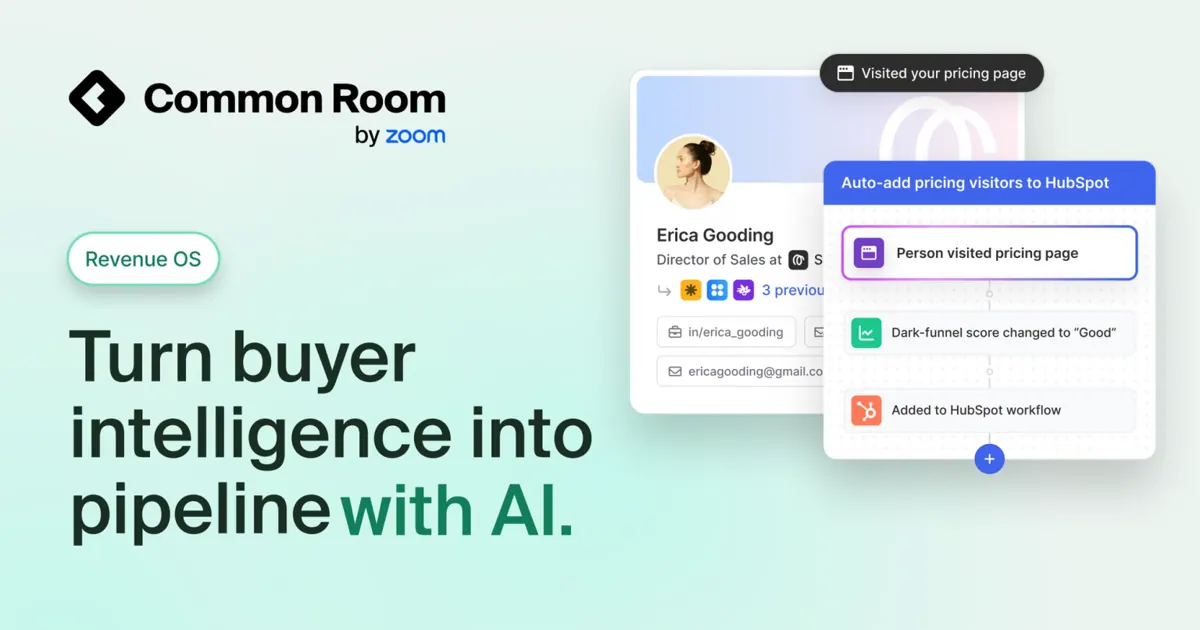
Images: commonroom.io
What Common Room can do in ChatGPT
Research buyers and find prospects from your data.
Account Research
Look up a company and get a plan to approach it.
Prospect Lists
Find new companies by industry, size, tech stack or location.
Contact Filters
Sort contacts by segment, role, lead score or site visits.
Buying Signals
See who visited key pages like pricing this week.
Call Prep
Get a brief before a customer call or for the week.
You stay in control
You approve access, and you can disconnect Common Room at any time.
Apps 1
What Common Room does in ChatGPT
The Common Room plugin brings your Common Room buyer data into ChatGPT. You can look up a company or a person, see buying signals and recent activity, and ask for a plan to approach an account. Answers draw on your CRM fields, scores, enrichment data and signals.
It also helps you find people to contact. You can build lists of companies you do not work with yet by industry, size, tech stack or location. Contacts can be filtered and sorted by segment, role, lead score or how often they visited your website.
The listing names skills for account research, contact research, prospecting, call prep, writing outreach and a weekly prep brief. Typical uses include checking who looked at your pricing page this week or listing economic buyers in a segment you track.
Built-in skills
The listing says Common Room comes with 6 skills. Skills are ready-made instructions ChatGPT can use for a specific job.
- Account Research
- Call Prep
- Compose Outreach
- Contact Research
- Prospect
- Weekly Prep Brief
Who it is for
- Sales reps researching accounts
- Revenue teams building prospect lists
- Account managers preparing for calls
How to add Common Room to ChatGPT
- Open the Common Room listing in ChatGPT ↗.
- Click Install plugin.
- Sign in to your Common Room account when asked and approve the access it requests.
- Start a chat and ask for what you need, mentioning Common Room if ChatGPT does not pick it up.
- To stop, disconnect Common Room under apps in your ChatGPT settings.
Questions about Common Room
What is the Common Room ChatGPT plugin?
The Common Room plugin brings your Common Room buyer data into ChatGPT. You can look up a company or a person, see buying signals and recent activity, and ask for a plan to approach an account. Answers draw on your CRM fields, scores, enrichment data and signals. It is listed in ChatGPT's plugin marketplace under Education & Research.
What can I ask Common Room to do in ChatGPT?
For example: "Tell me about Datadog and make a plan to approach the account", "Research jane.doe@company.com using Common Room", "Find US SaaS companies using Snowflake with 200 to 1000 employees". It also comes with built-in skills such as Account Research, Call Prep and Compose Outreach.
Who makes the Common Room plugin for ChatGPT?
The ChatGPT listing names Common Room as the developer. The version listed on 8 October 2026 was 4.0.1.
How do I add Common Room to ChatGPT?
Open the Common Room listing in ChatGPT, click Install plugin, sign in to your Common Room account and approve the access it asks for. Then ask for what you need in a chat, mentioning Common Room if ChatGPT does not pick it up.
Can Common Room change things in my account, or only read?
It reads accounts, contacts, segments, scores, signals and website visit data from your Common Room workspace and CRM fields to answer questions and build lists.
Who is the Common Room plugin for?
Sales reps researching accounts, revenue teams building prospect lists and account managers preparing for calls.
What can I filter contacts by in Common Room?
Segment, role, lead score and website visits, according to the listing.
Can it find companies I don't have in my CRM yet?
Yes. It can build lists of net-new companies by industry, size, tech stack or location.
Does Common Room see my ChatGPT chats?
When Common Room is connected, ChatGPT may share the parts of your chats and memories that matter for a request with Common Room. What Common Room does with that data falls under its own terms and privacy policy. ChatGPT keeps your training-data settings, and you can disconnect at any time.
How do I disconnect Common Room from ChatGPT?
Open your ChatGPT settings, go to apps, and disconnect Common Room. You can reconnect later from the listing.
What are alternatives to Common Room in ChatGPT?
Similar plugins in the ChatGPT marketplace include Particl Market Research, NYCU Library and OpenRegs: Regulatory Research. Each has its own page in this directory.



Privacy and your data
When Common Room is connected, ChatGPT may share the parts of your chats and memories that matter for a request with Common Room. What Common Room then does with that data falls under its own terms and privacy policy, not only OpenAI's. ChatGPT keeps your training-data settings for data that comes from connected apps, and you can disconnect at any time.
Common Room privacy policy ↗Common Room terms ↗OpenAI: apps in ChatGPT ↗