D-Tools Cloud
Answers read-only questions about your D-Tools Cloud pipeline, quotes, projects and clients in ChatGPT.
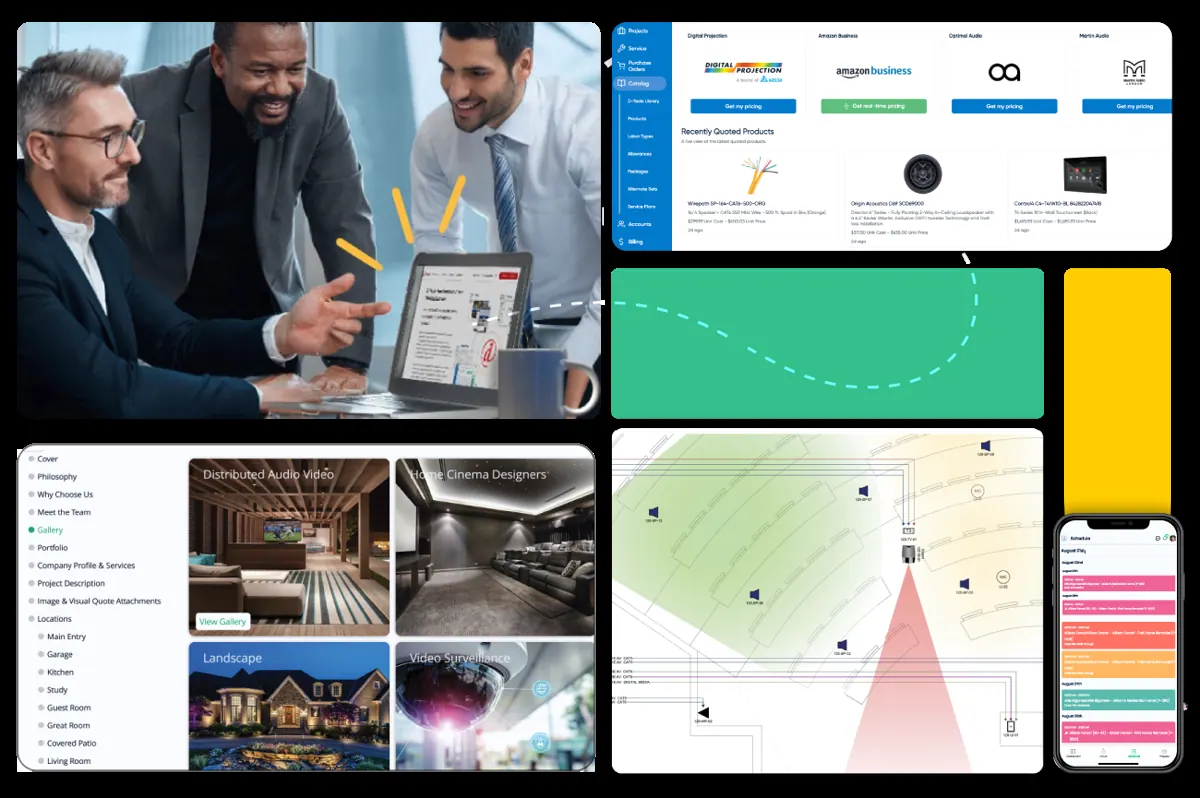

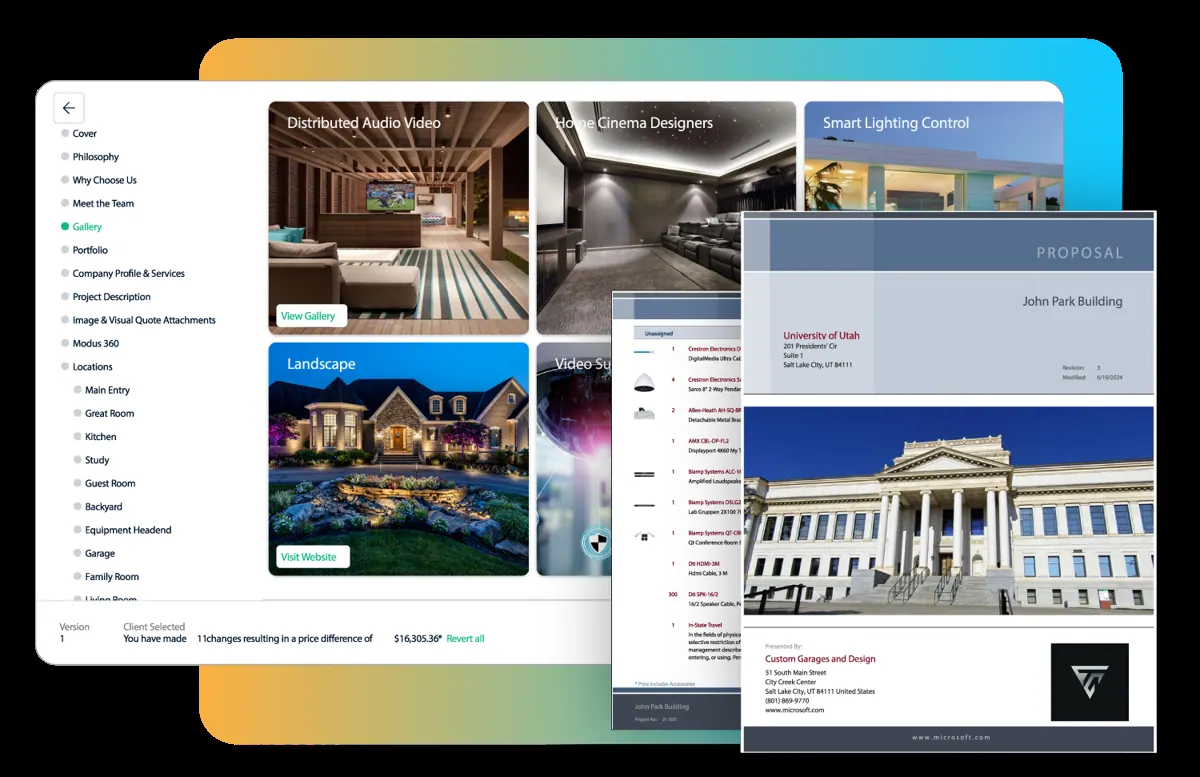
Images: d-tools.com
What D-Tools Cloud can do in ChatGPT
Ask questions about your D-Tools business data.
Pipeline Questions
Ask about open opportunities and quotes in your pipeline.
Project Overview
Check projects, clients and account health in plain language.
Procurement Risk
See where purchasing could hold up a project.
Account Picker
List your accessible accounts and choose which one to query.
Help Center Answers
Get D-Tools help guidance with links to the source articles.
You stay in control
You approve access, and you can disconnect D-Tools Cloud at any time.
Apps 1
What D-Tools Cloud does in ChatGPT
The D-Tools Cloud plugin links ChatGPT to a D-Tools Cloud account so you can ask questions about the business data stored there. It covers the sales pipeline, quotes, projects, clients, account health and procurement risk, and answers in plain language instead of making you click through reports.
Before answering, it can confirm that your connection works, list the D-Tools accounts you are allowed to see and point your Ask D-Tools questions at the right one. That matters for people who work across more than one account and need to be sure which data an answer came from.
It also pulls guidance from the D-Tools Help Center and includes links back to the original help articles. Everything stays read-only: the listing says it does not create, update, send or approve any records in your account, so it is a way to look things up rather than to make changes.
Who it is for
- Integrators running jobs in D-Tools Cloud
- Sales staff tracking quotes and pipeline
- Project managers checking procurement
How to add D-Tools Cloud to ChatGPT
- Open the D-Tools Cloud listing in ChatGPT ↗.
- Click Install plugin.
- Sign in to your D-Tools Cloud account when asked and approve the access it requests.
- Start a chat and ask for what you need, mentioning D-Tools Cloud if ChatGPT does not pick it up.
- To stop, disconnect D-Tools Cloud under apps in your ChatGPT settings.
Questions about D-Tools Cloud
What is the D-Tools Cloud ChatGPT plugin?
The D-Tools Cloud plugin links ChatGPT to a D-Tools Cloud account so you can ask questions about the business data stored there. It covers the sales pipeline, quotes, projects, clients, account health and procurement risk, and answers in plain language instead of making you click through reports. It is listed in ChatGPT's plugin marketplace under Productivity.
What can I ask D-Tools Cloud to do in ChatGPT?
For example: "Which quotes in my pipeline are still waiting on a client decision?", "Show me projects with procurement risk this month", "How healthy is our account overall?".
Who makes the D-Tools Cloud plugin for ChatGPT?
The ChatGPT listing names D-Tools, Inc. as the developer. The version listed on 8 October 2026 was 4.0.0.
How do I add D-Tools Cloud to ChatGPT?
Open the D-Tools Cloud listing in ChatGPT, click Install plugin, sign in to your D-Tools Cloud account and approve the access it asks for. Then ask for what you need in a chat, mentioning D-Tools Cloud if ChatGPT does not pick it up.
Can D-Tools Cloud change things in my account, or only read?
It reads pipeline, quote, project, client and procurement data from the D-Tools Cloud accounts you are authorized for, and does not create, change, send or approve records.
Who is the D-Tools Cloud plugin for?
Integrators running jobs in D-Tools Cloud, sales staff tracking quotes and pipeline and project managers checking procurement.
Can I approve or send a quote through D-Tools Cloud in ChatGPT?
No. The listing says the app is read-only and never creates, updates, sends or approves records.
What if I have access to several D-Tools accounts?
It can list the accounts you are allowed to see and aim your question at the one you choose.
Does D-Tools Cloud see my ChatGPT chats?
When D-Tools Cloud is connected, ChatGPT may share the parts of your chats and memories that matter for a request with D-Tools Cloud. What D-Tools Cloud does with that data falls under its own terms and privacy policy. ChatGPT keeps your training-data settings, and you can disconnect at any time.
How do I disconnect D-Tools Cloud from ChatGPT?
Open your ChatGPT settings, go to apps, and disconnect D-Tools Cloud. You can reconnect later from the listing.
What are alternatives to D-Tools Cloud in ChatGPT?
Similar plugins in the ChatGPT marketplace include Constructable, Adzviser and awork. Each has its own page in this directory.



Privacy and your data
When D-Tools Cloud is connected, ChatGPT may share the parts of your chats and memories that matter for a request with D-Tools Cloud. What D-Tools Cloud then does with that data falls under its own terms and privacy policy, not only OpenAI's. ChatGPT keeps your training-data settings for data that comes from connected apps, and you can disconnect at any time.
D-Tools Cloud privacy policy ↗D-Tools Cloud terms ↗OpenAI: apps in ChatGPT ↗