
DiscoverCars.com
Compares car rental offers from many suppliers worldwide, with prices, terms and insurance options.

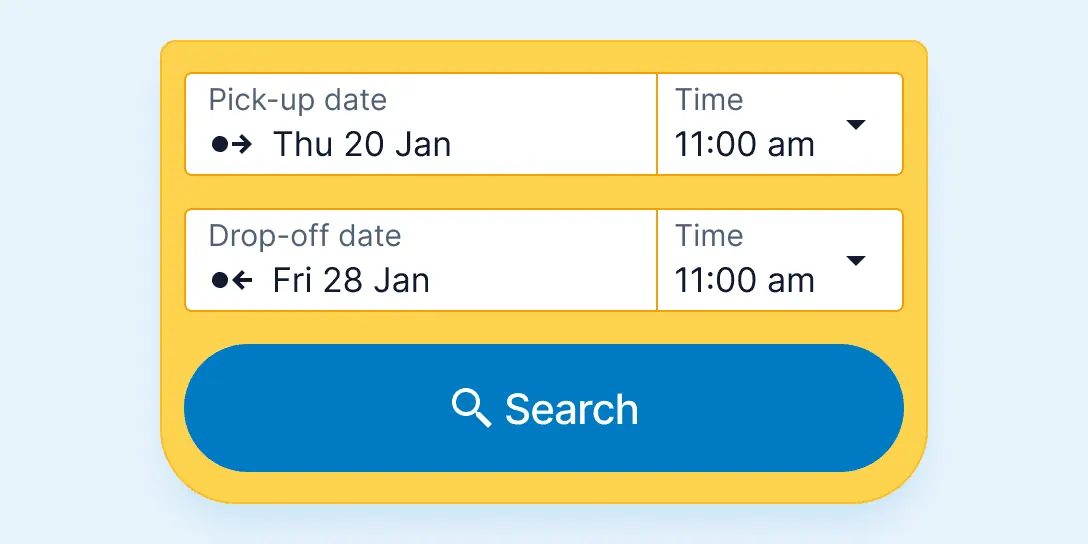
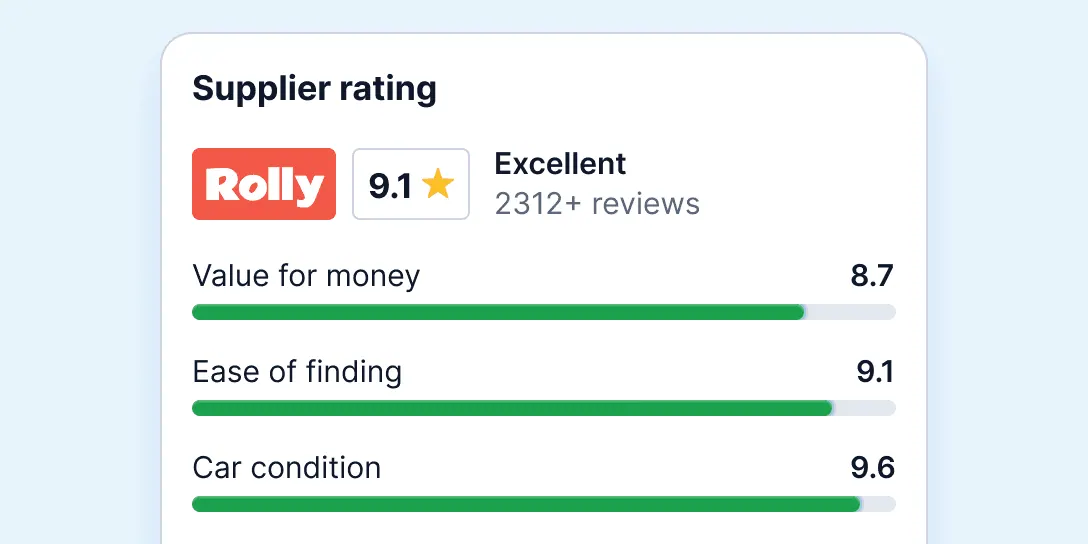
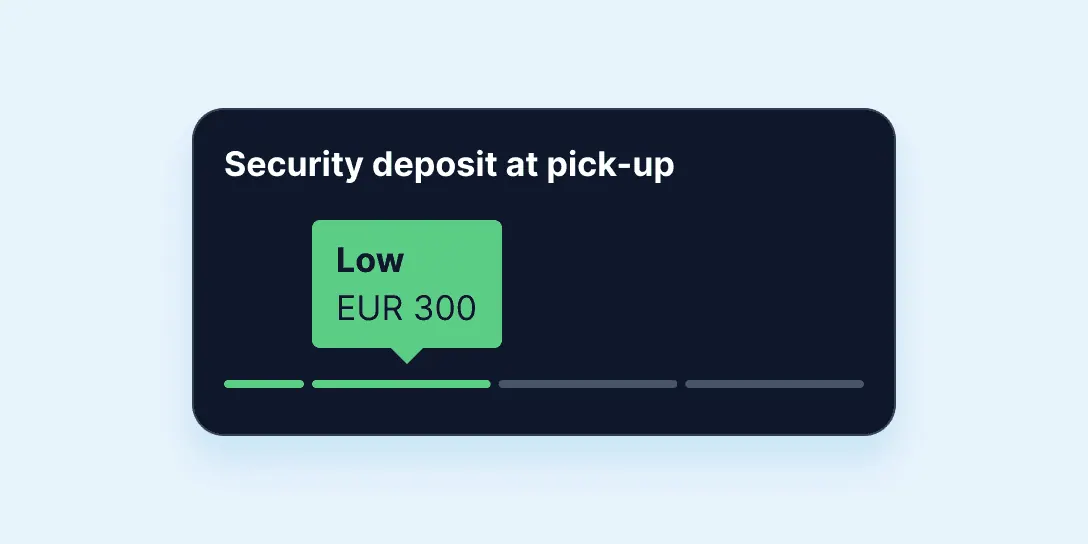
Images: discovercars.com
What DiscoverCars.com can do in ChatGPT
Compare rental cars worldwide in one chat.
Price Comparison
Compare rental prices across local and global suppliers.
Rental Terms
See conditions and deposit amounts before booking.
Insurance Options
Choose cover and fuel policy that suit your trip.
Airport And City
Find cars at airports and city locations worldwide.
Quick Booking
Book in minutes with instant confirmation.
You stay in control
You approve access, and you can disconnect DiscoverCars.com at any time.
Apps 1
What DiscoverCars.com does in ChatGPT
The DiscoverCars.com plugin lets you compare rental car deals from ChatGPT. It gathers offers from local and international rental companies for airports and city locations, so you can see prices and car types for your trip side by side and pick the one that fits your plans.
Along with the price, it shows the rental conditions, the deposit amount, insurance options and the fuel policy before you commit. That helps you spot differences between offers that look alike at first, such as a high deposit or a strict fuel rule that would cost more at pickup.
The listing says DiscoverCars works with more than 1,000 suppliers in about 10,000 locations worldwide and that bookings come with instant confirmation. The company focuses only on car rentals. It also cites a 4.6 Trustpilot rating from over 250,000 reviews and six World Travel Awards wins.
Who it is for
- Travellers renting a car abroad
- People comparing deposits and insurance
- Families needing a larger rental car
How to add DiscoverCars.com to ChatGPT
- Open the DiscoverCars.com listing in ChatGPT ↗.
- Click Install plugin.
- Sign in to your DiscoverCars.com account when asked and approve the access it requests.
- Start a chat and ask for what you need, mentioning DiscoverCars.com if ChatGPT does not pick it up.
- To stop, disconnect DiscoverCars.com under apps in your ChatGPT settings.
Questions about DiscoverCars.com
What is the DiscoverCars.com ChatGPT plugin?
The DiscoverCars.com plugin lets you compare rental car deals from ChatGPT. It gathers offers from local and international rental companies for airports and city locations, so you can see prices and car types for your trip side by side and pick the one that fits your plans. It is listed in ChatGPT's plugin marketplace under Travel.
What can I ask DiscoverCars.com to do in ChatGPT?
For example: "Compare rental cars at Lisbon airport from 3 to 10 May", "Find an automatic SUV in Barcelona city centre for a week", "What deposit and fuel policy does this offer have?".
Who makes the DiscoverCars.com plugin for ChatGPT?
The ChatGPT listing names DiscoverCars.com as the developer. The version listed on 8 October 2026 was 1.0.0.
How do I add DiscoverCars.com to ChatGPT?
Open the DiscoverCars.com listing in ChatGPT, click Install plugin, sign in to your DiscoverCars.com account and approve the access it asks for. Then ask for what you need in a chat, mentioning DiscoverCars.com if ChatGPT does not pick it up.
Can DiscoverCars.com change things in my account, or only read?
It searches car rental offers and shows prices, terms and insurance options for your dates and location.
Who is the DiscoverCars.com plugin for?
Travellers renting a car abroad, people comparing deposits and insurance and families needing a larger rental car.
Can I see the deposit before booking?
Yes. The listing says the full price, deposit amount and rental conditions are shown before you book.
Where can I rent a car through DiscoverCars?
At airports and city locations worldwide, through more than 1,000 suppliers.
Does DiscoverCars.com see my ChatGPT chats?
When DiscoverCars.com is connected, ChatGPT may share the parts of your chats and memories that matter for a request with DiscoverCars.com. What DiscoverCars.com does with that data falls under its own terms and privacy policy. ChatGPT keeps your training-data settings, and you can disconnect at any time.
How do I disconnect DiscoverCars.com from ChatGPT?
Open your ChatGPT settings, go to apps, and disconnect DiscoverCars.com. You can reconnect later from the listing.
What are alternatives to DiscoverCars.com in ChatGPT?
Similar plugins in the ChatGPT marketplace include Baraglo Travel Insurance, HelloSafe Travel Insurance and Pricewin Hotels & Flights. Each has its own page in this directory.



Privacy and your data
When DiscoverCars.com is connected, ChatGPT may share the parts of your chats and memories that matter for a request with DiscoverCars.com. What DiscoverCars.com then does with that data falls under its own terms and privacy policy, not only OpenAI's. ChatGPT keeps your training-data settings for data that comes from connected apps, and you can disconnect at any time.
DiscoverCars.com privacy policy ↗DiscoverCars.com terms ↗OpenAI: apps in ChatGPT ↗