
Enhancv
Turns your existing resume into a clean, ATS-friendly PDF with the layout style you choose.
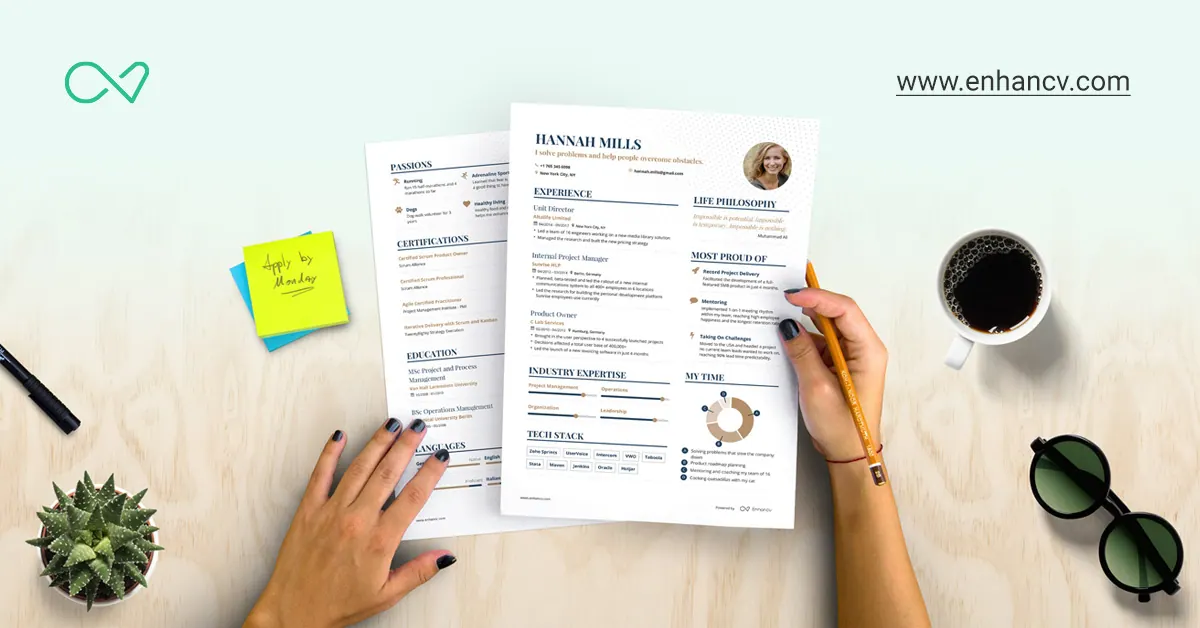
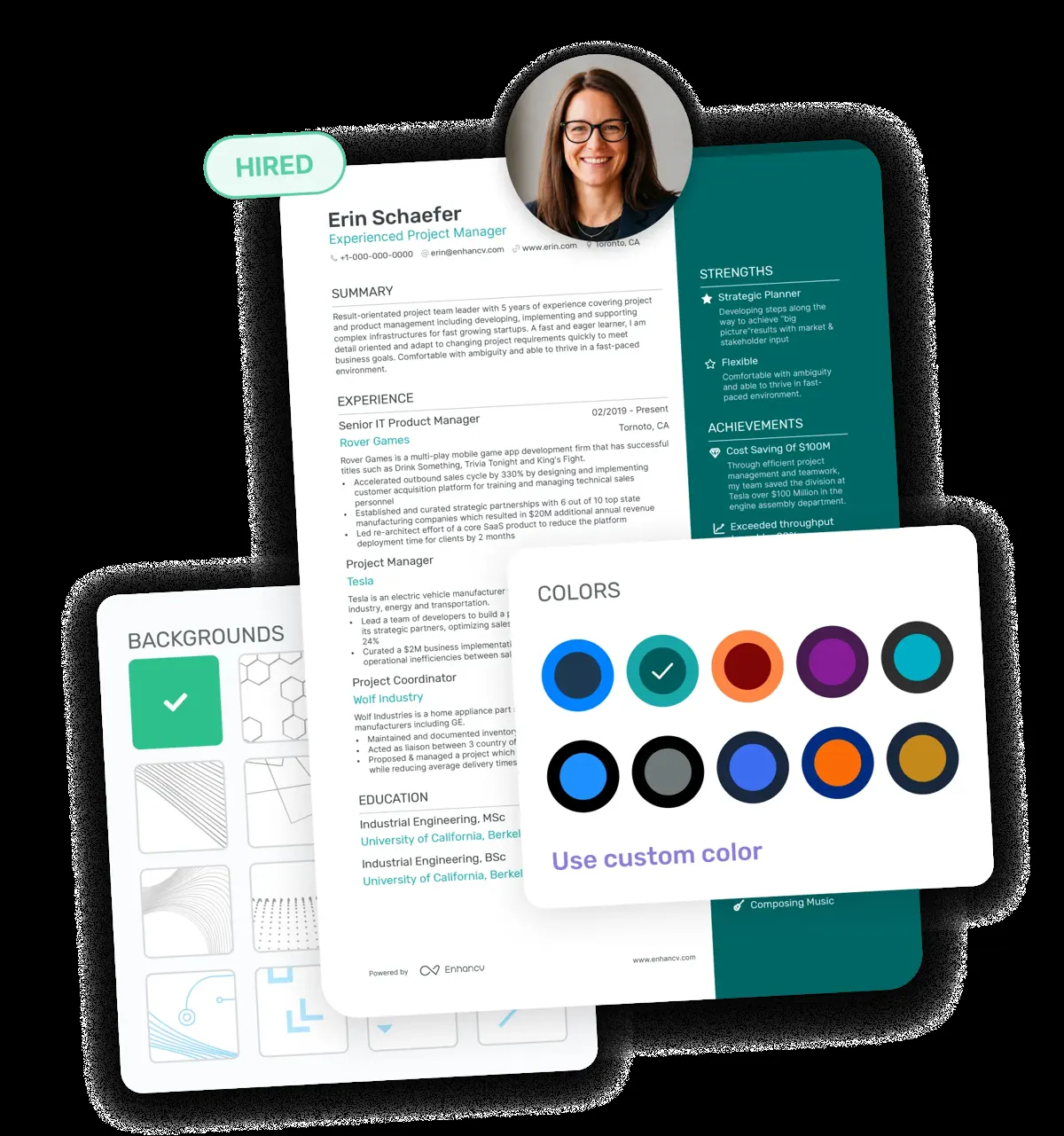
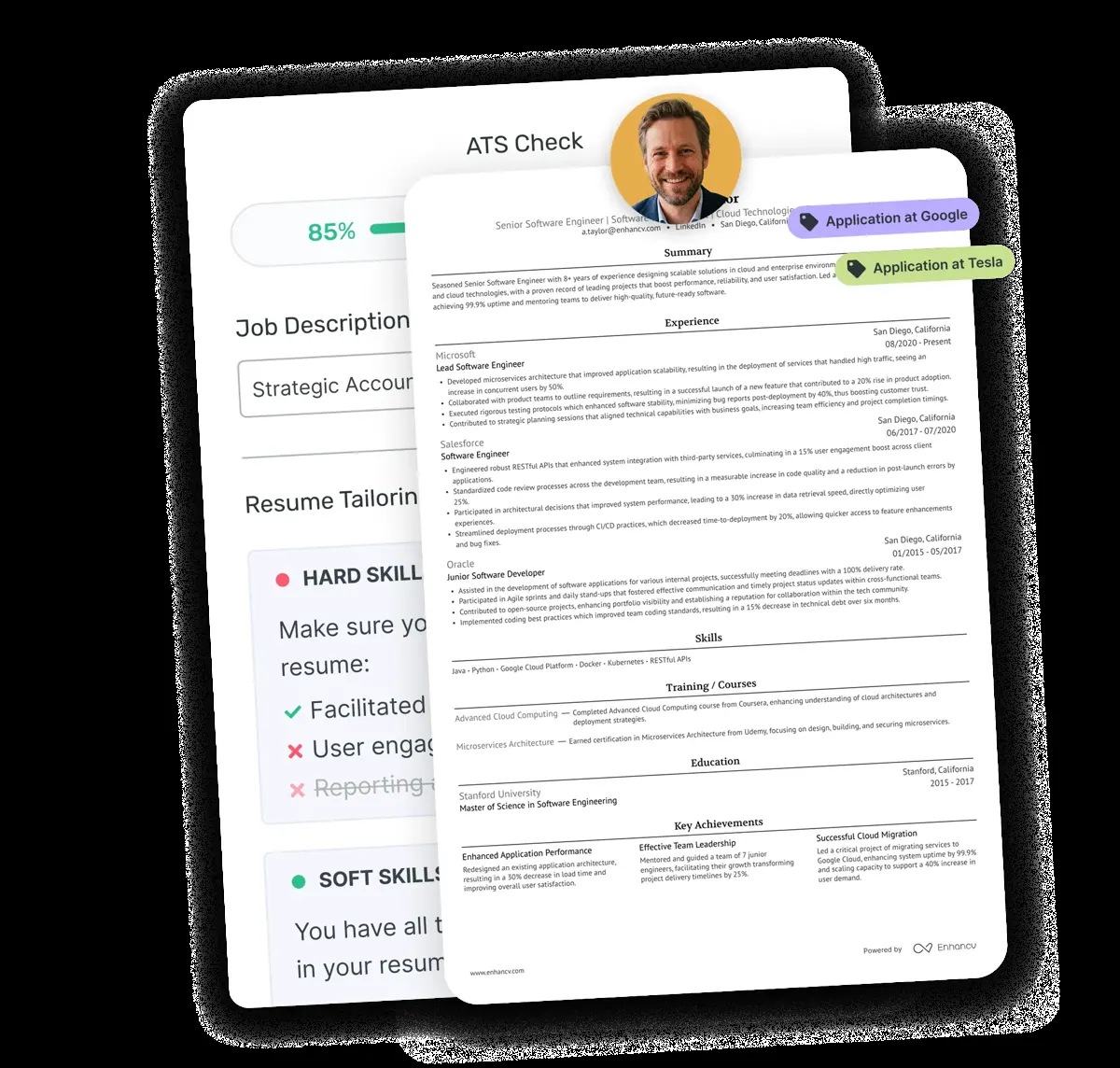

Images: enhancv.com
What Enhancv can do in ChatGPT
Format your resume into a clean PDF.
ATS Layout
Apply a layout built for tracking systems and recruiters.
Style Choice
Choose modern, classic or minimal designs.
Column Options
Use a single or two-column layout.
Colour Schemes
Go from monochrome to bold colours.
PDF Download
Get a ready-to-send PDF resume.
You stay in control
You approve access, and you can disconnect Enhancv at any time.
Apps 1
What Enhancv does in ChatGPT
The Enhancv plugin formats a resume into a professional PDF inside ChatGPT. You give it the resume you already have, and it applies a layout made to be read easily by applicant tracking systems and by recruiters, then gives you a file to download.
You can pick the look: modern, classic or minimal styles, one or two columns, and colours that range from plain black and white to bold. If you do not choose, it picks a design that suits your field and experience level, so a junior and a senior resume can look different.
It only handles the layout. The listing is clear that it does not rewrite your text, judge your bullet points or tailor the resume to a job posting. Any content changes are best made with ChatGPT first, and then Enhancv turns the final version into a clean PDF.
Who it is for
- Job seekers with a dated resume layout
- People applying through online job portals
- Anyone who wants a quick PDF resume
How to add Enhancv to ChatGPT
- Open the Enhancv listing in ChatGPT ↗.
- Click Install plugin.
- Sign in to your Enhancv account when asked and approve the access it requests.
- Start a chat and ask for what you need, mentioning Enhancv if ChatGPT does not pick it up.
- To stop, disconnect Enhancv under apps in your ChatGPT settings.
Questions about Enhancv
What is the Enhancv ChatGPT plugin?
The Enhancv plugin formats a resume into a professional PDF inside ChatGPT. You give it the resume you already have, and it applies a layout made to be read easily by applicant tracking systems and by recruiters, then gives you a file to download. It is listed in ChatGPT's plugin marketplace under Productivity.
What can I ask Enhancv to do in ChatGPT?
For example: "Make my resume into an ATS-ready PDF", "Can you update my old Word resume design?", "Use a minimal two-column layout in navy".
Who makes the Enhancv plugin for ChatGPT?
The ChatGPT listing names Enhancv R&D as the developer. The version listed on 8 October 2026 was 1.0.0.
How do I add Enhancv to ChatGPT?
Open the Enhancv listing in ChatGPT, click Install plugin, sign in to your Enhancv account and approve the access it asks for. Then ask for what you need in a chat, mentioning Enhancv if ChatGPT does not pick it up.
Can Enhancv change things in my account, or only read?
It uses the resume content you share and returns a formatted PDF. It does not change your wording.
Who is the Enhancv plugin for?
Job seekers with a dated resume layout, people applying through online job portals and anyone who wants a quick PDF resume.
Will Enhancv rewrite my resume?
No. It handles formatting only and leaves your content, bullet points and tailoring to you.
What styles can I choose?
Modern, classic or minimal, single or two columns, and colour schemes from monochrome to bold.
Does Enhancv see my ChatGPT chats?
When Enhancv is connected, ChatGPT may share the parts of your chats and memories that matter for a request with Enhancv. What Enhancv does with that data falls under its own terms and privacy policy. ChatGPT keeps your training-data settings, and you can disconnect at any time.
How do I disconnect Enhancv from ChatGPT?
Open your ChatGPT settings, go to apps, and disconnect Enhancv. You can reconnect later from the listing.
What are alternatives to Enhancv in ChatGPT?
Similar plugins in the ChatGPT marketplace include Rezi Resume Builder, Kickresume and Markup AI. Each has its own page in this directory.


Privacy and your data
When Enhancv is connected, ChatGPT may share the parts of your chats and memories that matter for a request with Enhancv. What Enhancv then does with that data falls under its own terms and privacy policy, not only OpenAI's. ChatGPT keeps your training-data settings for data that comes from connected apps, and you can disconnect at any time.
Enhancv privacy policy ↗Enhancv terms ↗OpenAI: apps in ChatGPT ↗