
Gong
Brings Gong revenue data into ChatGPT for briefs, risks, objections and next steps on deals.


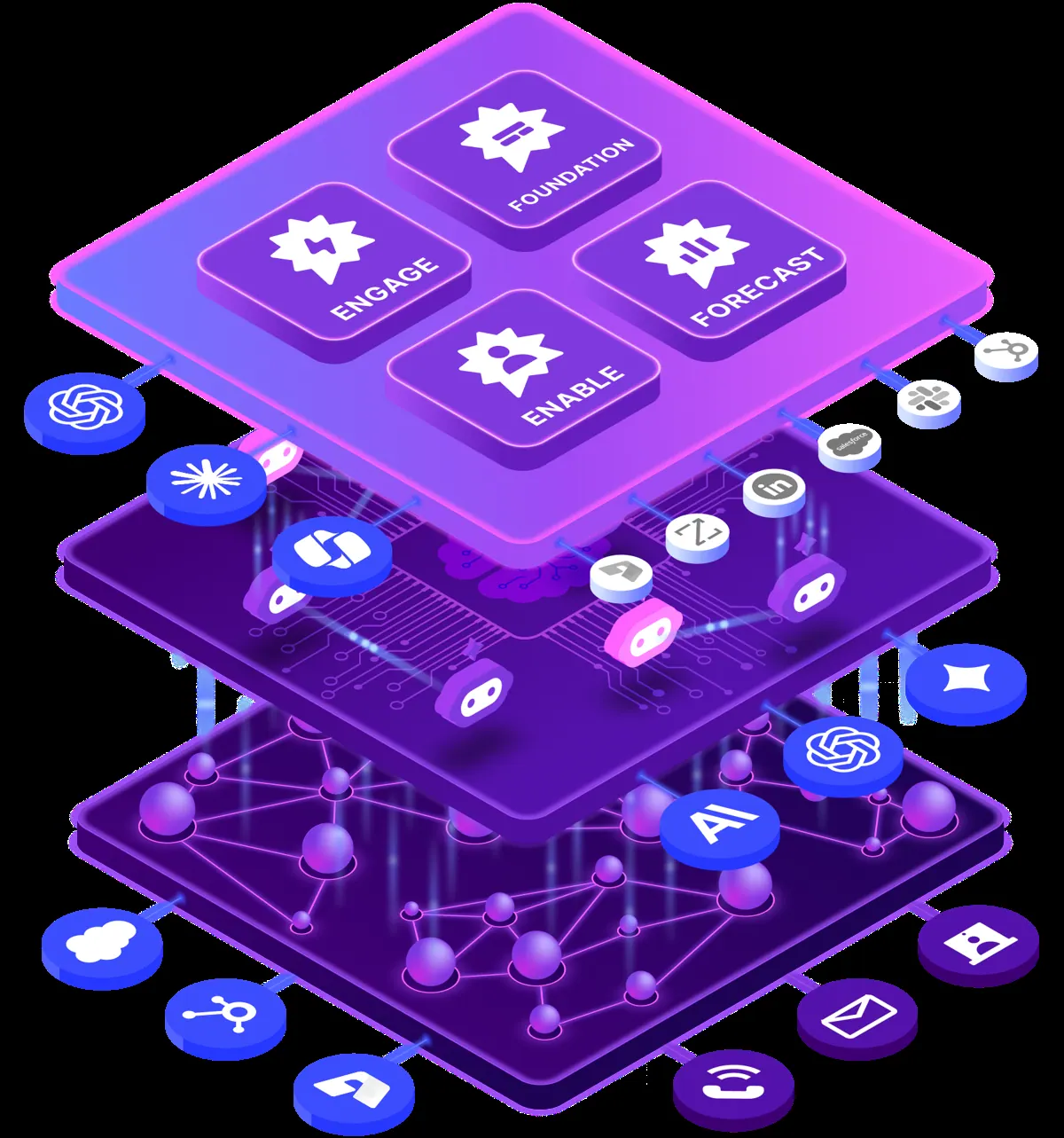

Images: gong.io
What Gong can do in ChatGPT
Ask about deals using your Gong data.
Deal Briefs
Generate a short brief on a deal or account.
Risk Signals
Surface risks showing up in your deals.
Objections
See which objections customers raised.
Next Steps
Find the agreed next steps on a deal.
Stakeholder Context
Learn who is involved and what they care about.
You stay in control
You approve access, and you can disconnect Gong at any time.
Apps 1
What Gong does in ChatGPT
The Gong plugin connects ChatGPT to data from Gong, the revenue platform used by sales teams. You can ask questions about your deals and customers and get answers based on what Gong has already collected, without opening Gong itself or digging through its screens.
The listing is brief. It mentions generating briefs and pulling out risks, objections, next steps and details about the people involved in a deal. That makes it useful before a customer call, or when you want a quick read on how a deal is going.
You need access to a Gong account for it to work, and what it can see follows what your company stores in Gong. The listing does not describe other features, so expect questions and briefs about your revenue data rather than changes made inside Gong.
Who it is for
- Sales teams using Gong
- Account managers preparing for calls
- Revenue leaders reviewing deals
How to add Gong to ChatGPT
- Open the Gong listing in ChatGPT ↗.
- Click Install plugin.
- Sign in to your Gong account when asked and approve the access it requests.
- Start a chat and ask for what you need, mentioning Gong if ChatGPT does not pick it up.
- To stop, disconnect Gong under apps in your ChatGPT settings.
Questions about Gong
What is the Gong ChatGPT plugin?
The Gong plugin connects ChatGPT to data from Gong, the revenue platform used by sales teams. You can ask questions about your deals and customers and get answers based on what Gong has already collected, without opening Gong itself or digging through its screens. It is listed in ChatGPT's plugin marketplace under Productivity.
What can I ask Gong to do in ChatGPT?
For example: "Write a brief on the Acme deal before my call", "What risks are showing up in our open enterprise deals?", "Which objections came up most this month?".
Who makes the Gong plugin for ChatGPT?
The ChatGPT listing names Gong as the developer. The version listed on 8 October 2026 was 1.0.0.
How do I add Gong to ChatGPT?
Open the Gong listing in ChatGPT, click Install plugin, sign in to your Gong account and approve the access it asks for. Then ask for what you need in a chat, mentioning Gong if ChatGPT does not pick it up.
Can Gong change things in my account, or only read?
It reads revenue data from your Gong account to answer questions and build briefs.
Who is the Gong plugin for?
Sales teams using Gong, account managers preparing for calls and revenue leaders reviewing deals.
What kind of insights can Gong surface?
The listing mentions risks, objections, next steps and stakeholder context, plus briefs you can generate.
Does Gong see my ChatGPT chats?
When Gong is connected, ChatGPT may share the parts of your chats and memories that matter for a request with Gong. What Gong does with that data falls under its own terms and privacy policy. ChatGPT keeps your training-data settings, and you can disconnect at any time.
How do I disconnect Gong from ChatGPT?
Open your ChatGPT settings, go to apps, and disconnect Gong. You can reconnect later from the listing.
What are alternatives to Gong in ChatGPT?
Similar plugins in the ChatGPT marketplace include AIOProductOS, Olie Flow AI and Glean. Each has its own page in this directory.



Privacy and your data
When Gong is connected, ChatGPT may share the parts of your chats and memories that matter for a request with Gong. What Gong then does with that data falls under its own terms and privacy policy, not only OpenAI's. ChatGPT keeps your training-data settings for data that comes from connected apps, and you can disconnect at any time.