
Instagram & TikTok by 1Social
Posts and schedules to Instagram, TikTok and five other networks from one ChatGPT message.
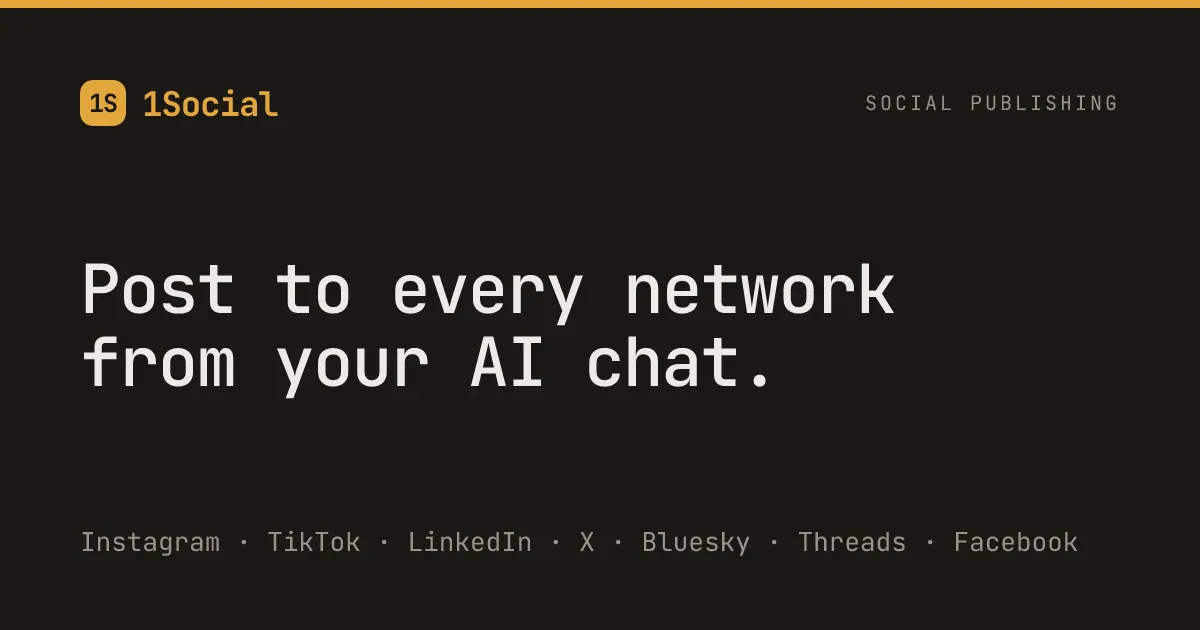
Images: 1social.dev
What Instagram & TikTok by 1Social can do in ChatGPT
Post to seven networks from one message.
One Message Posting
Publish to Instagram, TikTok, Facebook, LinkedIn, X, Threads and Bluesky together.
Caption Fitting
Trims each caption to the network's limit and flags missing images.
Scheduling
Schedule posts up to 30 days ahead, then edit or cancel them.
Per-Network Reports
See what landed and what failed on each network, with reasons.
Single Network Retry
Retry one failed network without touching the rest.
You stay in control
You approve access, and you can disconnect Instagram & TikTok by 1Social at any time.
Apps 1
What Instagram & TikTok by 1Social does in ChatGPT
The Instagram & TikTok by 1Social plugin lets you post to several social networks from one message in ChatGPT. Besides Instagram and TikTok, it covers Facebook, LinkedIn, X (Twitter), Threads and Bluesky. You can publish right away or schedule posts up to 30 days ahead.
You write the post once, for example a short note announcing a new feature, and it handles the fitting for each network. It trims each caption to that network's length limit and warns you when a network needs an image before it will take the post. That saves rewriting the same text for every platform.
After publishing, it reports on each network on its own: what went through, what failed and the reason. You can retry a single network without reposting everywhere else, and edit or cancel anything still waiting in the schedule. The listing's examples also include asking which of your posts got the most likes.
Who it is for
- Small businesses posting on many networks
- Creators managing several accounts
- Solo marketers
How to add Instagram & TikTok by 1Social to ChatGPT
- Open the Instagram & TikTok by 1Social listing in ChatGPT ↗.
- Click Install plugin.
- Sign in to your Instagram & TikTok by 1Social account when asked and approve the access it requests.
- Start a chat and ask for what you need, mentioning Instagram & TikTok by 1Social if ChatGPT does not pick it up.
- To stop, disconnect Instagram & TikTok by 1Social under apps in your ChatGPT settings.
Questions about Instagram & TikTok by 1Social
What is the Instagram & TikTok by 1Social ChatGPT plugin?
The Instagram & TikTok by 1Social plugin lets you post to several social networks from one message in ChatGPT. Besides Instagram and TikTok, it covers Facebook, LinkedIn, X (Twitter), Threads and Bluesky. You can publish right away or schedule posts up to 30 days ahead. It is listed in ChatGPT's plugin marketplace under Business & Operations.
What can I ask Instagram & TikTok by 1Social to do in ChatGPT?
For example: "Write a short post announcing our new feature and publish it to all my connected accounts", "Schedule a post about our end-of-month update for tomorrow at 9am", "Which of my posts got the most likes?".
Who makes the Instagram & TikTok by 1Social plugin for ChatGPT?
The ChatGPT listing names Sultan Kadyrkesh as the developer. The version listed on 8 October 2026 was 2.0.0.
How do I add Instagram & TikTok by 1Social to ChatGPT?
Open the Instagram & TikTok by 1Social listing in ChatGPT, click Install plugin, sign in to your Instagram & TikTok by 1Social account and approve the access it asks for. Then ask for what you need in a chat, mentioning Instagram & TikTok by 1Social if ChatGPT does not pick it up.
Can Instagram & TikTok by 1Social change things in my account, or only read?
It publishes, schedules, edits and cancels posts on the social accounts you connect, and reports the result for each network.
Who is the Instagram & TikTok by 1Social plugin for?
Small businesses posting on many networks, creators managing several accounts and solo marketers.
How far ahead can I schedule?
Up to 30 days ahead. You can edit or cancel anything that is still scheduled.
What happens if one network fails?
It reports each network separately with the reason, and can retry just that network without touching the others.
Which networks are supported?
Instagram, TikTok, Facebook, LinkedIn, X (Twitter), Threads and Bluesky.
Does Instagram & TikTok by 1Social see my ChatGPT chats?
When Instagram & TikTok by 1Social is connected, ChatGPT may share the parts of your chats and memories that matter for a request with Instagram & TikTok by 1Social. What Instagram & TikTok by 1Social does with that data falls under its own terms and privacy policy. ChatGPT keeps your training-data settings, and you can disconnect at any time.
How do I disconnect Instagram & TikTok by 1Social from ChatGPT?
Open your ChatGPT settings, go to apps, and disconnect Instagram & TikTok by 1Social. You can reconnect later from the listing.
What are alternatives to Instagram & TikTok by 1Social in ChatGPT?
Similar plugins in the ChatGPT marketplace include Upload-Post, BrightSite and OnePageCRM. Each has its own page in this directory.

Privacy and your data
When Instagram & TikTok by 1Social is connected, ChatGPT may share the parts of your chats and memories that matter for a request with Instagram & TikTok by 1Social. What Instagram & TikTok by 1Social then does with that data falls under its own terms and privacy policy, not only OpenAI's. ChatGPT keeps your training-data settings for data that comes from connected apps, and you can disconnect at any time.
Instagram & TikTok by 1Social privacy policy ↗Instagram & TikTok by 1Social terms ↗OpenAI: apps in ChatGPT ↗