
Lightsplit
Keeps a shared expense ledger for trips, households and teams that you manage by chatting.


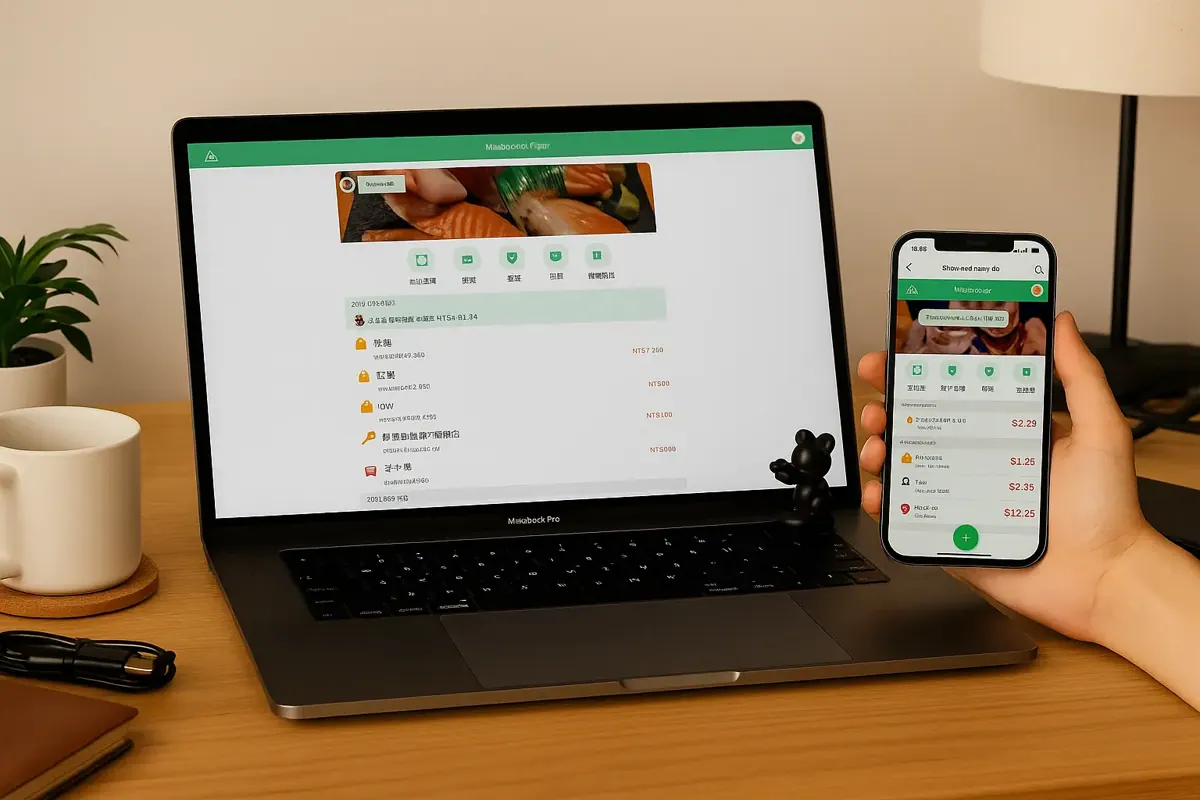
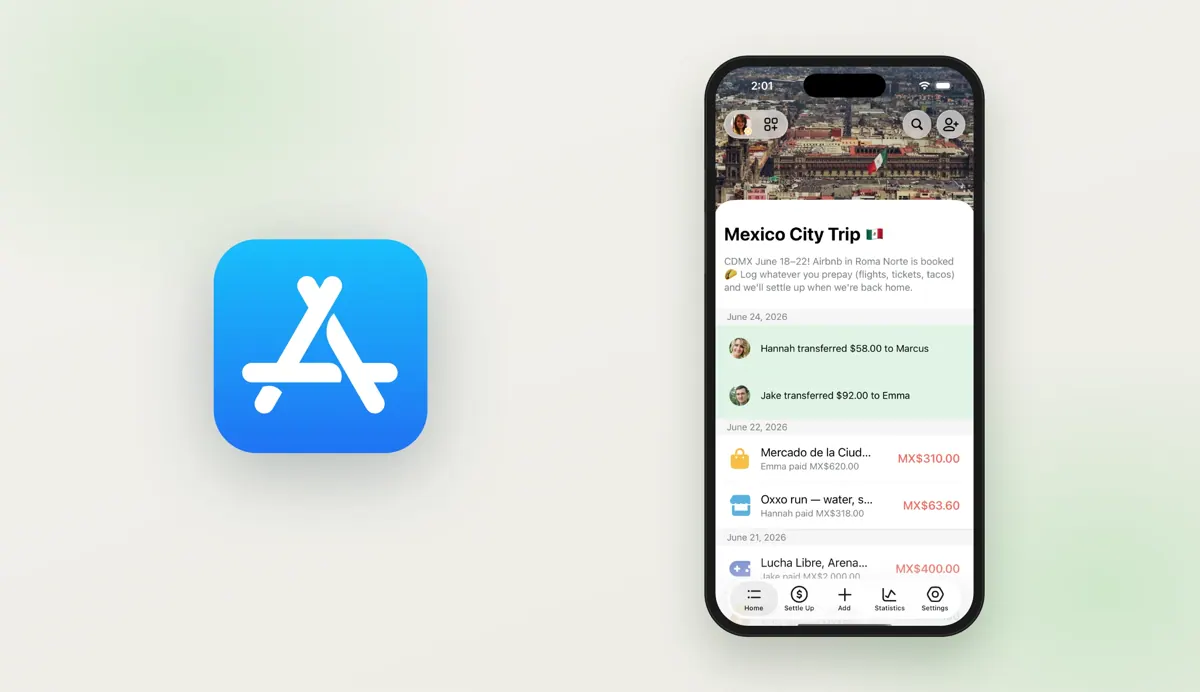
Images: lightsplit.com
What Lightsplit can do in ChatGPT
Share costs with a group by chatting.
Flexible Splits
Split costs equally, by weight or with custom amounts.
Simple Settle-Ups
Settle debts with the fewest possible transfers.
Multiple Currencies
Track expenses in different currencies in one group.
Receipts And Budgets
Attach receipts and set budgets for the group.
Spending Breakdown
See group spending by category.
You stay in control
You approve access, and you can disconnect Lightsplit at any time.
Apps 1
What Lightsplit does in ChatGPT
The Lightsplit plugin is a shared money ledger for groups, run through conversation. You create a group for a trip, a household or a team and log expenses, income and settlements in the chat. Other people can join the group through the web, LINE or Telegram.
Costs can be split equally, by weight or with custom amounts, and different currencies can be mixed in one group. You can attach receipts to entries. When it is time to settle, Lightsplit works out who should pay whom with the fewest transfers, so nobody has to send money back and forth.
There is more than splitting. Groups can keep a shared to-do list, set budgets, and see spending broken down by category. That makes it useful for a holiday house or a flat share where the same people spend together over weeks, not just for a single dinner bill.
Who it is for
- Friends sharing travel costs
- Roommates splitting household bills
- Small teams tracking shared spending
How to add Lightsplit to ChatGPT
- Open the Lightsplit listing in ChatGPT ↗.
- Click Install plugin.
- Sign in to your Lightsplit account when asked and approve the access it requests.
- Start a chat and ask for what you need, mentioning Lightsplit if ChatGPT does not pick it up.
- To stop, disconnect Lightsplit under apps in your ChatGPT settings.
Questions about Lightsplit
What is the Lightsplit ChatGPT plugin?
The Lightsplit plugin is a shared money ledger for groups, run through conversation. You create a group for a trip, a household or a team and log expenses, income and settlements in the chat. Other people can join the group through the web, LINE or Telegram. It is listed in ChatGPT's plugin marketplace under Finance.
What can I ask Lightsplit to do in ChatGPT?
For example: "Split a 120 dollar dinner bill between four people", "Create a new group for our Lisbon trip", "Add a 60 euro taxi paid by Sam, split equally".
Who makes the Lightsplit plugin for ChatGPT?
The ChatGPT listing names PING-HSIEN CHOU as the developer. The version listed on 8 October 2026 was 1.0.0.
How do I add Lightsplit to ChatGPT?
Open the Lightsplit listing in ChatGPT, click Install plugin, sign in to your Lightsplit account and approve the access it asks for. Then ask for what you need in a chat, mentioning Lightsplit if ChatGPT does not pick it up.
Can Lightsplit change things in my account, or only read?
It stores the groups, expenses, receipts, budgets and to-do items you add, and shares them with group members on the web, LINE or Telegram.
Who is the Lightsplit plugin for?
Friends sharing travel costs, roommates splitting household bills and small teams tracking shared spending.
Can group members use Lightsplit without ChatGPT?
Yes. Groups can be shared through the web, LINE or Telegram.
Does Lightsplit handle different currencies?
Yes. Expenses in multiple currencies can be tracked in one group.
How does it decide who pays whom?
It works out settlements with the smallest number of transfers between group members.
Does Lightsplit see my ChatGPT chats?
When Lightsplit is connected, ChatGPT may share the parts of your chats and memories that matter for a request with Lightsplit. What Lightsplit does with that data falls under its own terms and privacy policy. ChatGPT keeps your training-data settings, and you can disconnect at any time.
How do I disconnect Lightsplit from ChatGPT?
Open your ChatGPT settings, go to apps, and disconnect Lightsplit. You can reconnect later from the listing.
What are alternatives to Lightsplit in ChatGPT?
Similar plugins in the ChatGPT marketplace include Bill Splitter, CloFin and Pocket Ledger Expense Tracker. Each has its own page in this directory.



Privacy and your data
When Lightsplit is connected, ChatGPT may share the parts of your chats and memories that matter for a request with Lightsplit. What Lightsplit then does with that data falls under its own terms and privacy policy, not only OpenAI's. ChatGPT keeps your training-data settings for data that comes from connected apps, and you can disconnect at any time.
Lightsplit privacy policy ↗Lightsplit terms ↗OpenAI: apps in ChatGPT ↗