
Mashvisor
Searches investment property listings and compares traditional and Airbnb rental projections.

Images: mashvisor.com
What Mashvisor can do in ChatGPT
Search rental properties and compare projections.
Property Search
Find investment properties by size and location.
Listing Details
See the facts and photos for a listing.
Rental Comparison
Compare traditional and Airbnb cash-flow projections.
Market Data
Projections based on Mashvisor's own market data.
Quick Shortlists
Narrow listings down by asking follow-up questions.
You stay in control
You approve access, and you can disconnect Mashvisor at any time.
Apps 1
What Mashvisor does in ChatGPT
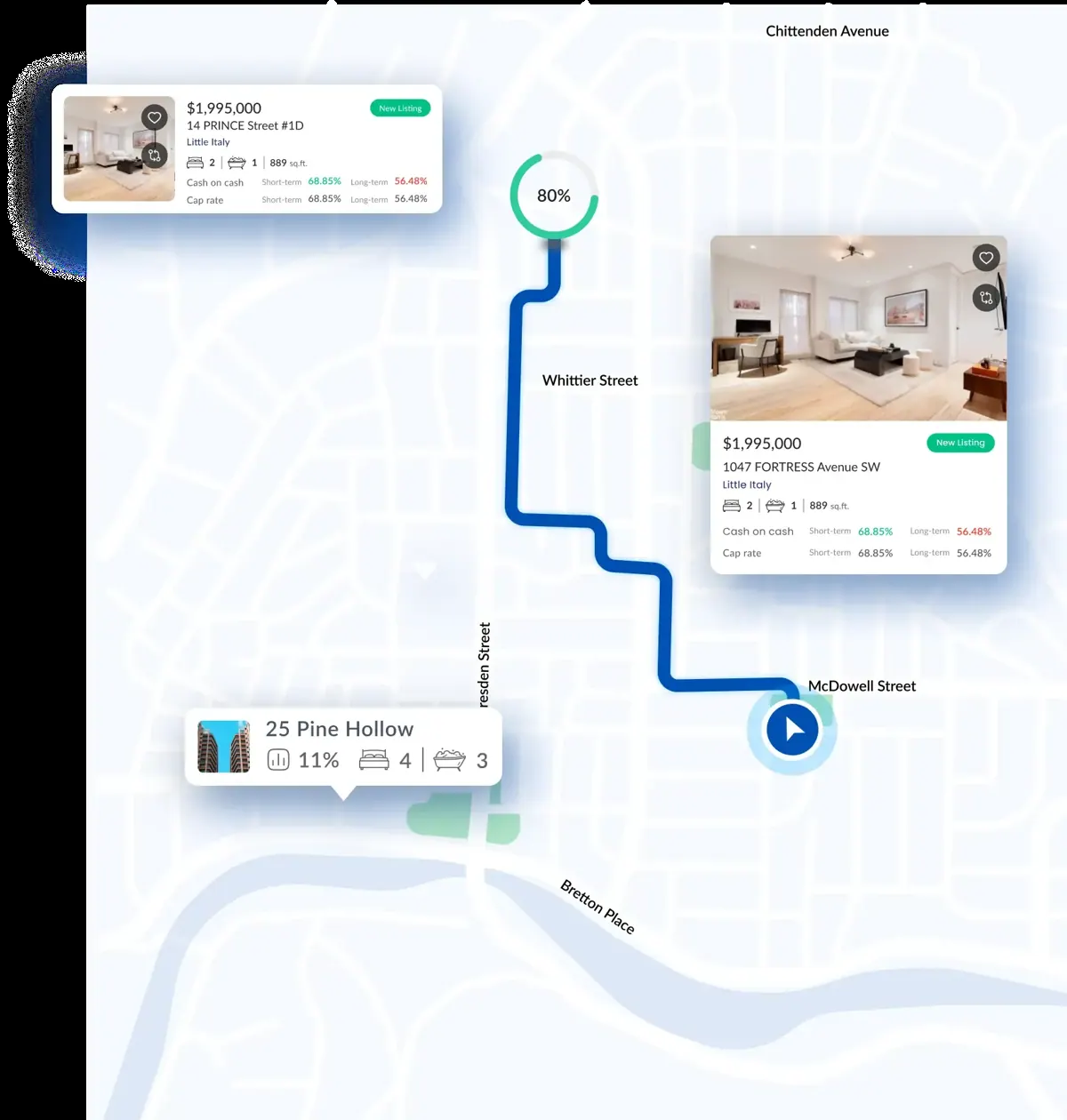
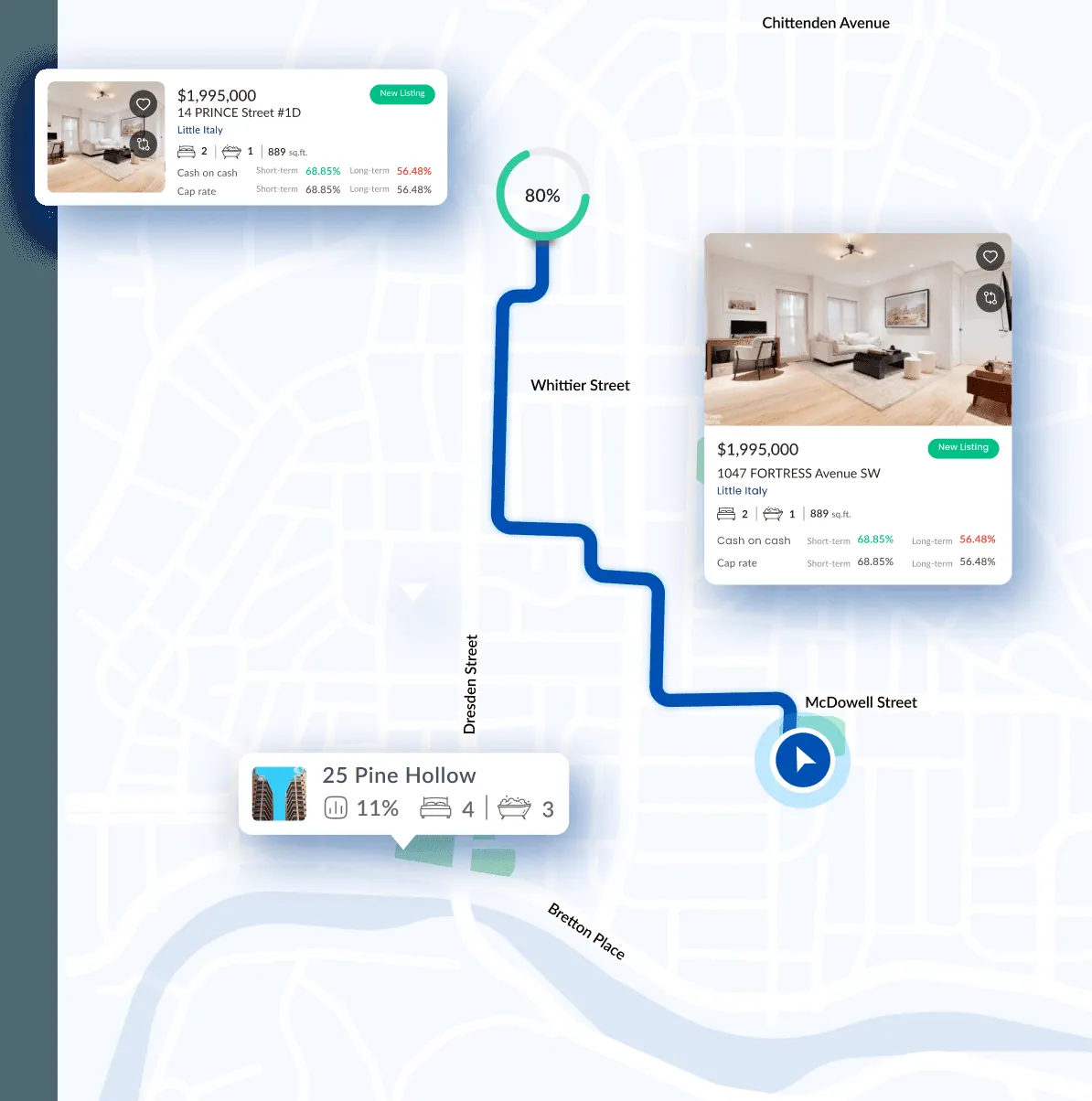
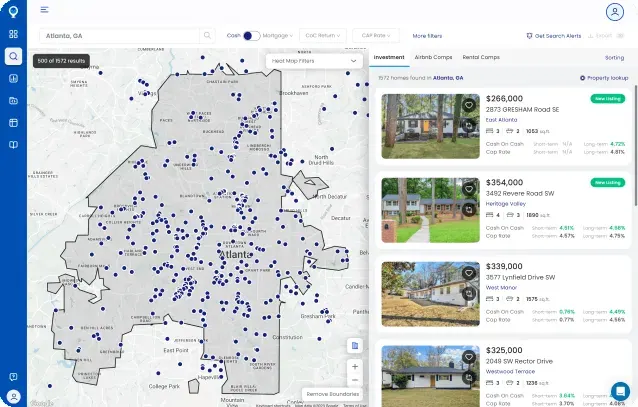
The Mashvisor plugin lets you search investment property listings inside ChatGPT. You describe what you are after, such as two-bedroom properties in a certain city, and it returns listings you can look at in more detail, including the property facts and photos.
For each property it can compare two ways of renting it out: a traditional long-term rental and a short-term Airbnb rental. The cash-flow projections come from Mashvisor's own market data, so you can see how the two options differ for the same property.
The listing is brief and does not say which locations are covered or how the projections are worked out. Projections are estimates, not guarantees, and this page is not advice on whether to invest. Check the numbers yourself before making any decision about a property.
Who it is for
- People researching rental properties
- Hosts weighing Airbnb versus long-term
- Buyers browsing listings by city
How to add Mashvisor to ChatGPT
- Open the Mashvisor listing in ChatGPT ↗.
- Click Install plugin.
- Sign in to your Mashvisor account when asked and approve the access it requests.
- Start a chat and ask for what you need, mentioning Mashvisor if ChatGPT does not pick it up.
- To stop, disconnect Mashvisor under apps in your ChatGPT settings.
Questions about Mashvisor
What is the Mashvisor ChatGPT plugin?
The Mashvisor plugin lets you search investment property listings inside ChatGPT. You describe what you are after, such as two-bedroom properties in a certain city, and it returns listings you can look at in more detail, including the property facts and photos. It is listed in ChatGPT's plugin marketplace under Finance.
What can I ask Mashvisor to do in ChatGPT?
For example: "Show me 2BR properties in Miami, Florida", "Show the photos and details for this listing", "Compare traditional and Airbnb cash flow for this property".
Who makes the Mashvisor plugin for ChatGPT?
The ChatGPT listing names Mashvisor Inc. as the developer. The version listed on 8 October 2026 was 2.0.0.
How do I add Mashvisor to ChatGPT?
Open the Mashvisor listing in ChatGPT, click Install plugin, sign in to your Mashvisor account and approve the access it asks for. Then ask for what you need in a chat, mentioning Mashvisor if ChatGPT does not pick it up.
Can Mashvisor change things in my account, or only read?
It searches Mashvisor property listings and returns details, photos and rental projections based on Mashvisor market data.
Who is the Mashvisor plugin for?
People researching rental properties, hosts weighing Airbnb versus long-term and buyers browsing listings by city.
What rental types does Mashvisor compare?
Traditional long-term rental and short-term Airbnb rental, using Mashvisor market data.
Can I see photos of a property?
Yes. You can inspect listing details and photos from the chat.
Does Mashvisor see my ChatGPT chats?
When Mashvisor is connected, ChatGPT may share the parts of your chats and memories that matter for a request with Mashvisor. What Mashvisor does with that data falls under its own terms and privacy policy. ChatGPT keeps your training-data settings, and you can disconnect at any time.
How do I disconnect Mashvisor from ChatGPT?
Open your ChatGPT settings, go to apps, and disconnect Mashvisor. You can reconnect later from the listing.
What are alternatives to Mashvisor in ChatGPT?
Similar plugins in the ChatGPT marketplace include Deal Analyzer MCP, KeyBid Puls and Rabbu. Each has its own page in this directory.



Privacy and your data
When Mashvisor is connected, ChatGPT may share the parts of your chats and memories that matter for a request with Mashvisor. What Mashvisor then does with that data falls under its own terms and privacy policy, not only OpenAI's. ChatGPT keeps your training-data settings for data that comes from connected apps, and you can disconnect at any time.
Mashvisor privacy policy ↗Mashvisor terms ↗OpenAI: apps in ChatGPT ↗