
Miro
Reads, summarizes, builds and updates Miro boards with slides, diagrams, tables and sticky notes.

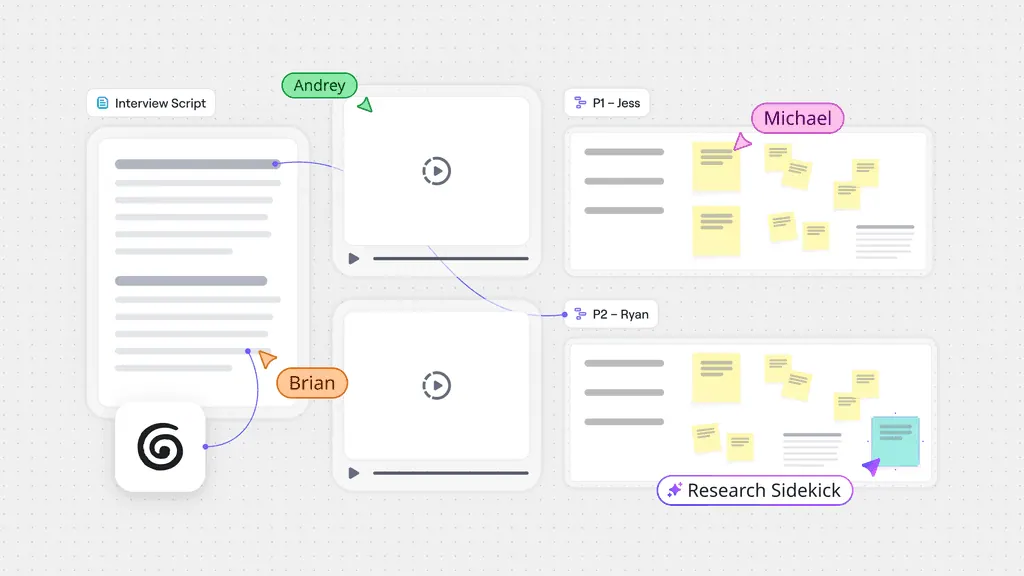


Images: miro.com
What Miro can do in ChatGPT
Read and build Miro boards from your chat.
Board Summaries
Search and summarize what your team already put on a board.
Slides And Diagrams
Create slides, diagrams, docs and sticky notes as editable Miro objects.
Workshop Boards
Generate full boards for retros, workshops and planning sessions.
Tables And Kanban
Make and update tables, including kanban and timeline views.
Comment Handling
Read, reply to and resolve comments on your boards.
You stay in control
You approve access, and you can disconnect Miro at any time.
Apps 1
What Miro does in ChatGPT
The Miro plugin connects ChatGPT to your Miro boards so it can read them and add to them. Give it a board link and it picks up what your team has already written, drawn and decided, so its answers build on that. When you ask it to create something, the result appears on the board as normal Miro objects you can edit.
It can make slides, diagrams, docs, tables, timelines, sticky notes, frames and workshop widgets, or generate whole boards for retros, workshops and planning. It edits existing content, deletes items it made, uploads images, and handles tables with kanban and timeline views. It can also read, answer and resolve comments, and create, update and share Miro spaces.
The listing gives a few typical uses. ChatGPT can turn a strategy doc into slides, draw a system architecture with notes beside it, map a user journey for a team review, or turn board comments into action items. With a scheduled task in ChatGPT, it can keep diagrams and documents on a board up to date over time.
Who it is for
- Product teams running reviews
- Engineers documenting system design
- Facilitators planning workshops and retros
How to add Miro to ChatGPT
- Open the Miro listing in ChatGPT ↗.
- Click Install plugin.
- Sign in to your Miro account when asked and approve the access it requests.
- Start a chat and ask for what you need, mentioning Miro if ChatGPT does not pick it up.
- To stop, disconnect Miro under apps in your ChatGPT settings.
Questions about Miro
What is the Miro ChatGPT plugin?
The Miro plugin connects ChatGPT to your Miro boards so it can read them and add to them. Give it a board link and it picks up what your team has already written, drawn and decided, so its answers build on that. When you ask it to create something, the result appears on the board as normal Miro objects you can edit. It is listed in ChatGPT's plugin marketplace under Productivity.
What can I ask Miro to do in ChatGPT?
For example: "Summarize the decisions on this board [board link]", "Turn this strategy doc into slides next to our priorities", "Draw a diagram of this service's architecture with the docs beside it".
Who makes the Miro plugin for ChatGPT?
The ChatGPT listing names Miro as the developer. The version listed on 8 October 2026 was 2.0.1.
How do I add Miro to ChatGPT?
Open the Miro listing in ChatGPT, click Install plugin, sign in to your Miro account and approve the access it asks for. Then ask for what you need in a chat, mentioning Miro if ChatGPT does not pick it up.
Can Miro change things in my account, or only read?
It reads the boards, comments and spaces you point it to, and can create, edit and share boards, add content, upload images and resolve comments. It only deletes content it created.
Who is the Miro plugin for?
Product teams running reviews, engineers documenting system design and facilitators planning workshops and retros.
Can it delete things my team put on a board?
The listing says it can delete what it created. It does not say it removes content added by other people.
Can it keep a board up to date by itself?
Yes, through a scheduled task in ChatGPT that updates your Miro diagrams and documents as things change.
Can it work with board comments?
Yes. It can read comments, reply to them and mark them resolved, and it can turn them into action items.
Does Miro see my ChatGPT chats?
When Miro is connected, ChatGPT may share the parts of your chats and memories that matter for a request with Miro. What Miro does with that data falls under its own terms and privacy policy. ChatGPT keeps your training-data settings, and you can disconnect at any time.
How do I disconnect Miro from ChatGPT?
Open your ChatGPT settings, go to apps, and disconnect Miro. You can reconnect later from the listing.
What are alternatives to Miro in ChatGPT?
Similar plugins in the ChatGPT marketplace include AI Note Maker, Superhuman Docs and Twistly AI Presentation Maker. Each has its own page in this directory.



Privacy and your data
When Miro is connected, ChatGPT may share the parts of your chats and memories that matter for a request with Miro. What Miro then does with that data falls under its own terms and privacy policy, not only OpenAI's. ChatGPT keeps your training-data settings for data that comes from connected apps, and you can disconnect at any time.