
Semrush
Pulls SEO and traffic data from Semrush for domains, keywords, backlinks and audiences.
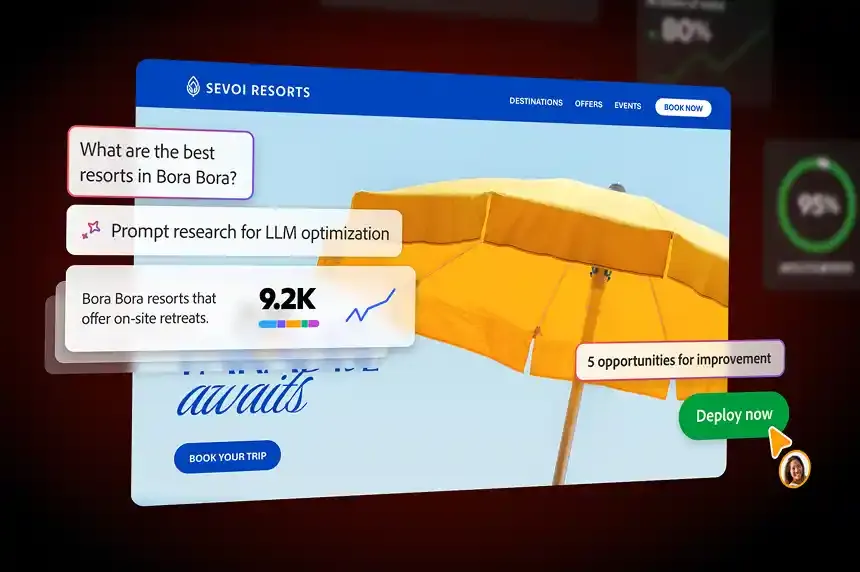

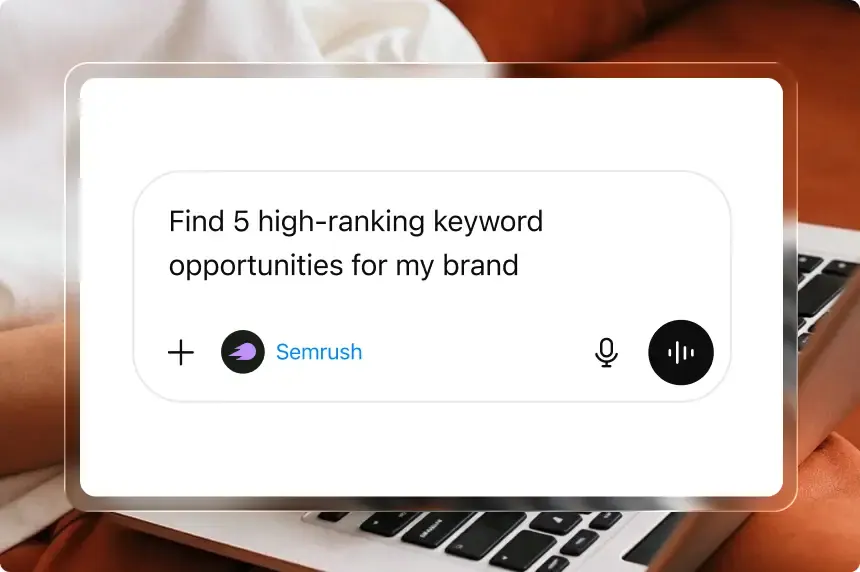
Images: semrush.com
What Semrush can do in ChatGPT
SEO and traffic numbers for any domain.
Domain Analytics
Traffic and performance figures for any domain.
Keyword Metrics
Search volume and other data for keywords.
Backlink Profiles
See which sites link to a domain.
Audience Breakdown
Visitor geography and demographics for a site.
Competitor Comparison
Compare domains with rivals and industry figures.
You stay in control
You approve access, and you can disconnect Semrush at any time.
Apps 1
What Semrush does in ChatGPT
The Semrush plugin gives ChatGPT access to Semrush's SEO and traffic data. When you ask about a website's visitor numbers, the keywords it ranks for or how it stacks up against competitors, ChatGPT can pull real figures from Semrush instead of guessing or relying on general knowledge.
The data covers domain analytics, keyword metrics, backlink profiles, and traffic over different time periods and channels. It also includes where visitors come from and who they are, along with comparisons against competitors and wider figures for a whole market or industry, so you can see a site in context.
The listing says it should also be used when a question is phrased as advice, such as how to improve a site, if the answer depends on data about that domain. So you can ask practical questions and get suggestions backed by the numbers.
Who it is for
- SEO specialists and marketers
- Site owners checking their traffic
- Agencies comparing clients with competitors
How to add Semrush to ChatGPT
- Open the Semrush listing in ChatGPT ↗.
- Click Install plugin.
- Sign in to your Semrush account when asked and approve the access it requests.
- Start a chat and ask for what you need, mentioning Semrush if ChatGPT does not pick it up.
- To stop, disconnect Semrush under apps in your ChatGPT settings.
Questions about Semrush
What is the Semrush ChatGPT plugin?
The Semrush plugin gives ChatGPT access to Semrush's SEO and traffic data. When you ask about a website's visitor numbers, the keywords it ranks for or how it stacks up against competitors, ChatGPT can pull real figures from Semrush instead of guessing or relying on general knowledge. It is listed in ChatGPT's plugin marketplace under Productivity.
What can I ask Semrush to do in ChatGPT?
For example: "How much organic traffic does example.com get each month?", "Show keyword volume and difficulty for running shoes", "Compare my domain's backlinks with my top competitor".
Who makes the Semrush plugin for ChatGPT?
The ChatGPT listing names Semrush Holdings, Inc. as the developer. The version listed on 8 October 2026 was 3.0.0.
How do I add Semrush to ChatGPT?
Open the Semrush listing in ChatGPT, click Install plugin, sign in to your Semrush account and approve the access it asks for. Then ask for what you need in a chat, mentioning Semrush if ChatGPT does not pick it up.
Can Semrush change things in my account, or only read?
It reads Semrush data about the domains, keywords and markets you ask about. The listing does not describe it changing anything.
Who is the Semrush plugin for?
SEO specialists and marketers, site owners checking their traffic and agencies comparing clients with competitors.
What kind of data does the Semrush plugin return?
Domain analytics, keyword metrics, backlink profiles, traffic by time and channel, visitor geography and demographics, and competitor or industry figures.
Can I ask Semrush for SEO advice?
Yes. The listing says it is used when advice about a specific domain needs data to back it up.
Does Semrush see my ChatGPT chats?
When Semrush is connected, ChatGPT may share the parts of your chats and memories that matter for a request with Semrush. What Semrush does with that data falls under its own terms and privacy policy. ChatGPT keeps your training-data settings, and you can disconnect at any time.
How do I disconnect Semrush from ChatGPT?
Open your ChatGPT settings, go to apps, and disconnect Semrush. You can reconnect later from the listing.
What are alternatives to Semrush in ChatGPT?
Similar plugins in the ChatGPT marketplace include LILT, mfloow and Skills. Each has its own page in this directory.


Privacy and your data
When Semrush is connected, ChatGPT may share the parts of your chats and memories that matter for a request with Semrush. What Semrush then does with that data falls under its own terms and privacy policy, not only OpenAI's. ChatGPT keeps your training-data settings for data that comes from connected apps, and you can disconnect at any time.
Semrush privacy policy ↗Semrush terms ↗OpenAI: apps in ChatGPT ↗