
SmartphoneKey
Lists, adds and removes residents on your SmartphoneKey smart locks through chat.
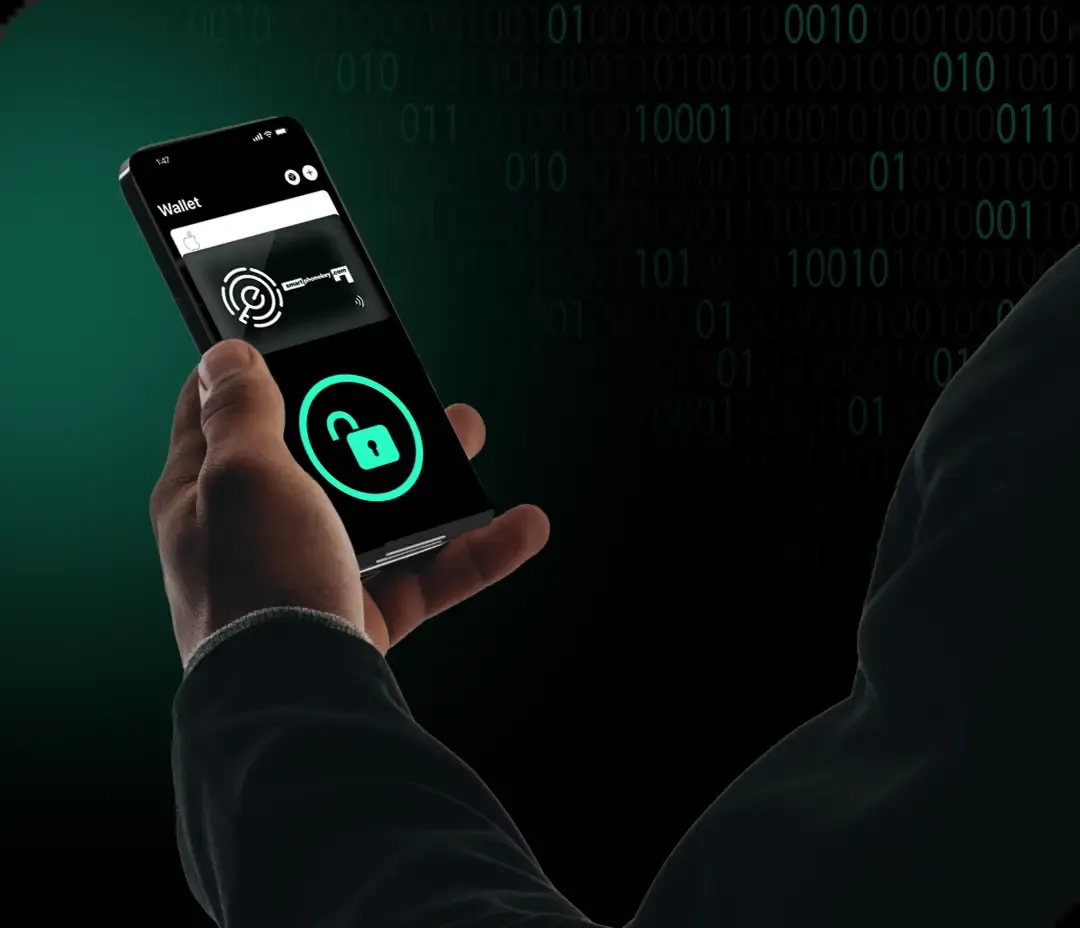
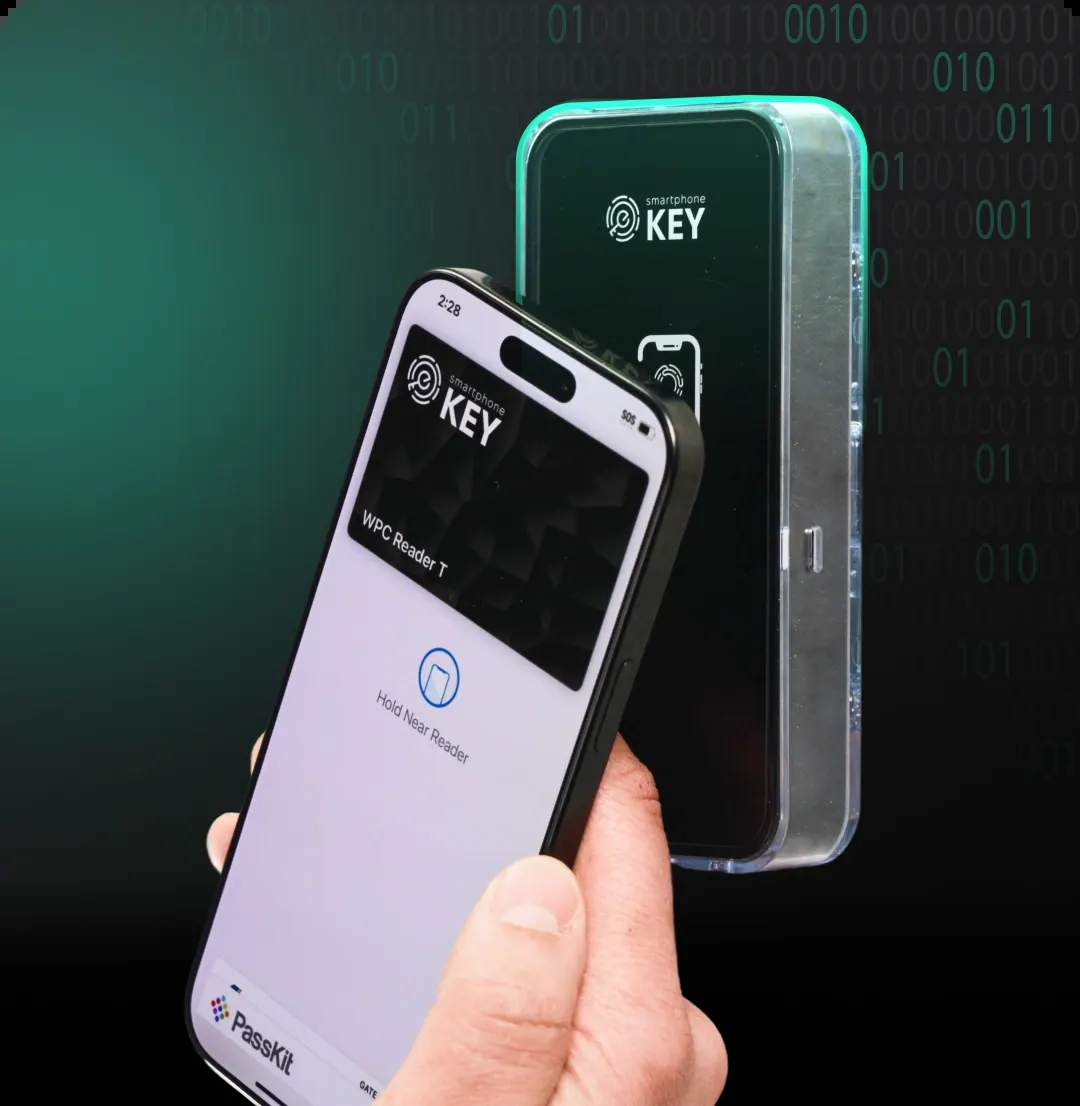
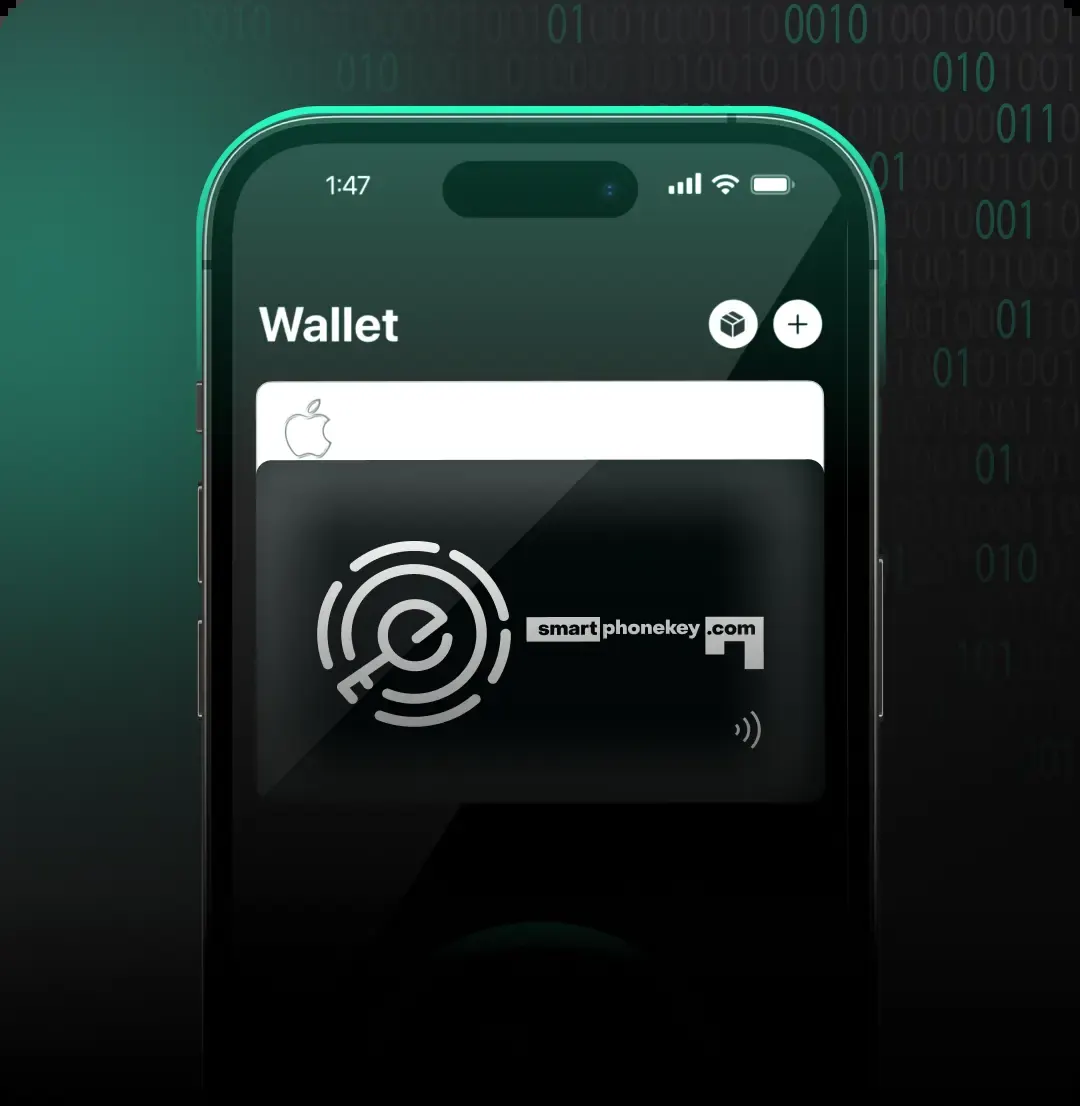
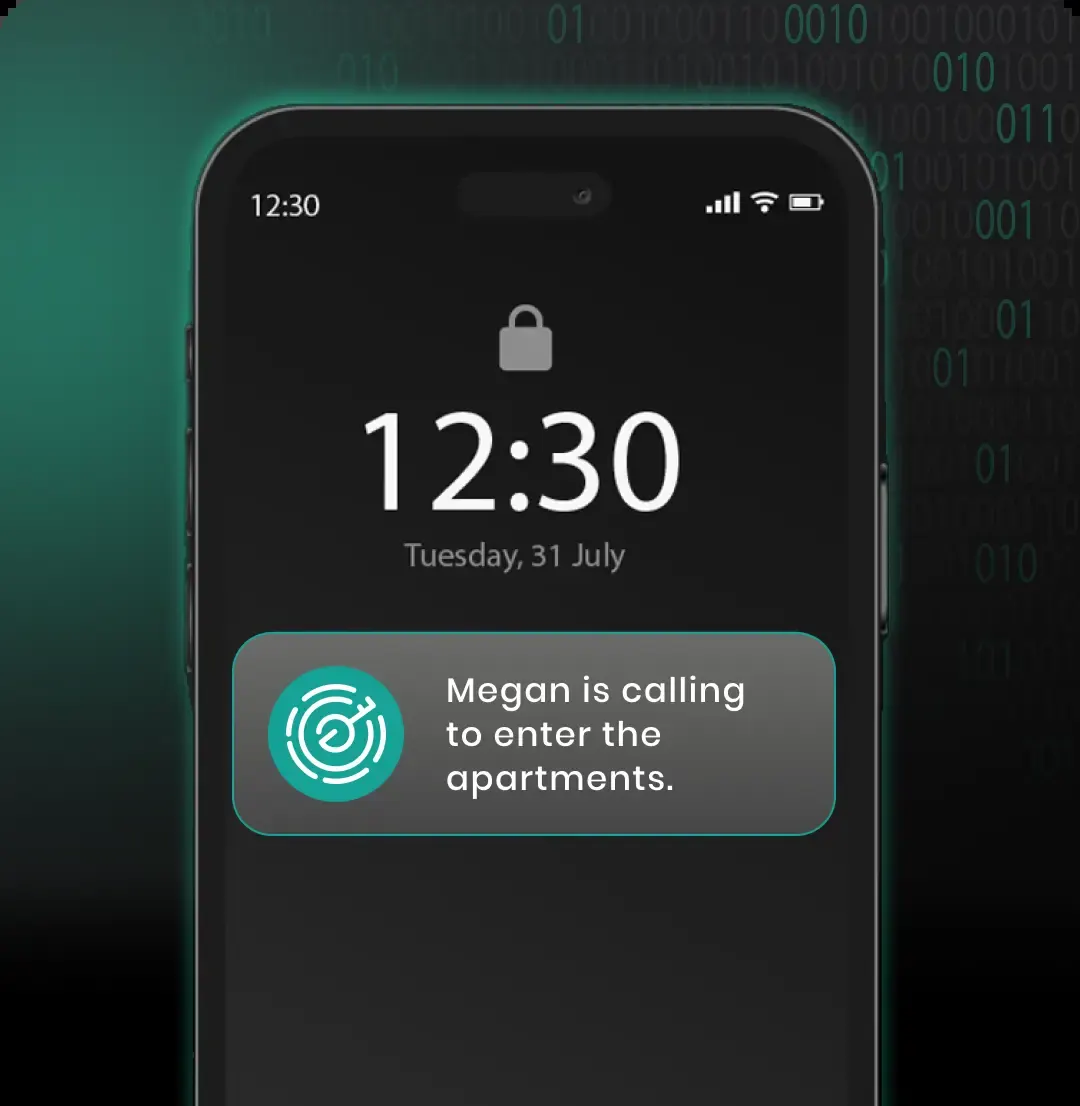
Images: smartphonekey.com
What SmartphoneKey can do in ChatGPT
Manage smart lock residents by chatting.
Resident Lists
See who is registered on any of your locks.
Add Residents
Add someone by name and email to a lock.
Remove Residents
Remove a resident by their name or email.
Intercom Notifications
New residents get intercom calls and notifications.
Owner-Only Access
Works only on locks you own in your account.
You stay in control
You approve access, and you can disconnect SmartphoneKey at any time.
Apps 1
What SmartphoneKey does in ChatGPT
The SmartphoneKey plugin lets you manage who lives behind your SmartphoneKey smart locks from ChatGPT. You can see the current list of residents for any of your locks, add someone new who has moved in, or remove a person who has moved out, just by typing what you want done.
To add a resident you give their name and email address, and they then get intercom calls and notifications for that lock. Removing someone works by name or by email. You refer to each lock by its number, such as lock 9999.
Every action goes through your SmartphoneKey account, so you can only manage locks you own and nobody else's. The listing says more is planned, including door access control and key management, but those are not available yet. For now the plugin is limited to managing the resident list on each lock.
Who it is for
- Building managers using SmartphoneKey
- Landlords handling tenant changes
- Owners of SmartphoneKey smart locks
How to add SmartphoneKey to ChatGPT
- Open the SmartphoneKey listing in ChatGPT ↗.
- Click Install plugin.
- Sign in to your SmartphoneKey account when asked and approve the access it requests.
- Start a chat and ask for what you need, mentioning SmartphoneKey if ChatGPT does not pick it up.
- To stop, disconnect SmartphoneKey under apps in your ChatGPT settings.
Questions about SmartphoneKey
What is the SmartphoneKey ChatGPT plugin?
The SmartphoneKey plugin lets you manage who lives behind your SmartphoneKey smart locks from ChatGPT. You can see the current list of residents for any of your locks, add someone new who has moved in, or remove a person who has moved out, just by typing what you want done. It is listed in ChatGPT's plugin marketplace under Security.
What can I ask SmartphoneKey to do in ChatGPT?
For example: "Add John Doe john@example.com to lock 9999", "List residents of lock 9999", "Remove Jane Doe from lock 9999".
Who makes the SmartphoneKey plugin for ChatGPT?
The ChatGPT listing names SmartphoneKey as the developer. The version listed on 8 October 2026 was 1.0.0.
How do I add SmartphoneKey to ChatGPT?
Open the SmartphoneKey listing in ChatGPT, click Install plugin, sign in to your SmartphoneKey account and approve the access it asks for. Then ask for what you need in a chat, mentioning SmartphoneKey if ChatGPT does not pick it up.
Can SmartphoneKey change things in my account, or only read?
It reads and changes the resident list on locks you own through your SmartphoneKey account. New residents receive intercom calls and notifications.
Who is the SmartphoneKey plugin for?
Building managers using SmartphoneKey, landlords handling tenant changes and owners of SmartphoneKey smart locks.
Can I open doors with the SmartphoneKey plugin?
Not yet. The listing says door access control and key management are coming later.
What happens when I add a resident?
The person you add by name and email starts receiving intercom calls and notifications for that lock.
Does SmartphoneKey see my ChatGPT chats?
When SmartphoneKey is connected, ChatGPT may share the parts of your chats and memories that matter for a request with SmartphoneKey. What SmartphoneKey does with that data falls under its own terms and privacy policy. ChatGPT keeps your training-data settings, and you can disconnect at any time.
How do I disconnect SmartphoneKey from ChatGPT?
Open your ChatGPT settings, go to apps, and disconnect SmartphoneKey. You can reconnect later from the listing.
What are alternatives to SmartphoneKey in ChatGPT?
Similar plugins in the ChatGPT marketplace include Above Security, AJAXX Data Scrubber and Ansvar Gateway. Each has its own page in this directory.



Privacy and your data
When SmartphoneKey is connected, ChatGPT may share the parts of your chats and memories that matter for a request with SmartphoneKey. What SmartphoneKey then does with that data falls under its own terms and privacy policy, not only OpenAI's. ChatGPT keeps your training-data settings for data that comes from connected apps, and you can disconnect at any time.
SmartphoneKey privacy policy ↗SmartphoneKey terms ↗OpenAI: apps in ChatGPT ↗