
Sunsama
Connects Sunsama, a daily planner that combines tasks and calendar, to ChatGPT.
Images: sunsama.com
What Sunsama can do in ChatGPT
Your daily planner, connected to ChatGPT.
Daily Planning
Work with a plan built one day at a time.
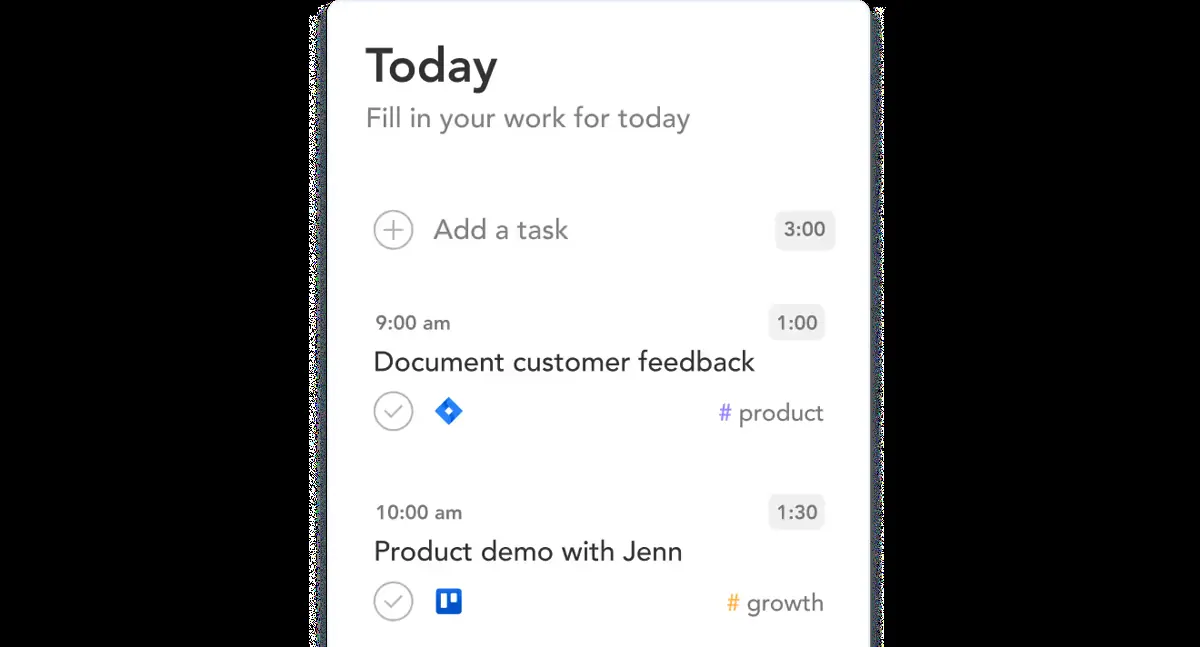
Task List
Sunsama keeps your tasks in one list.
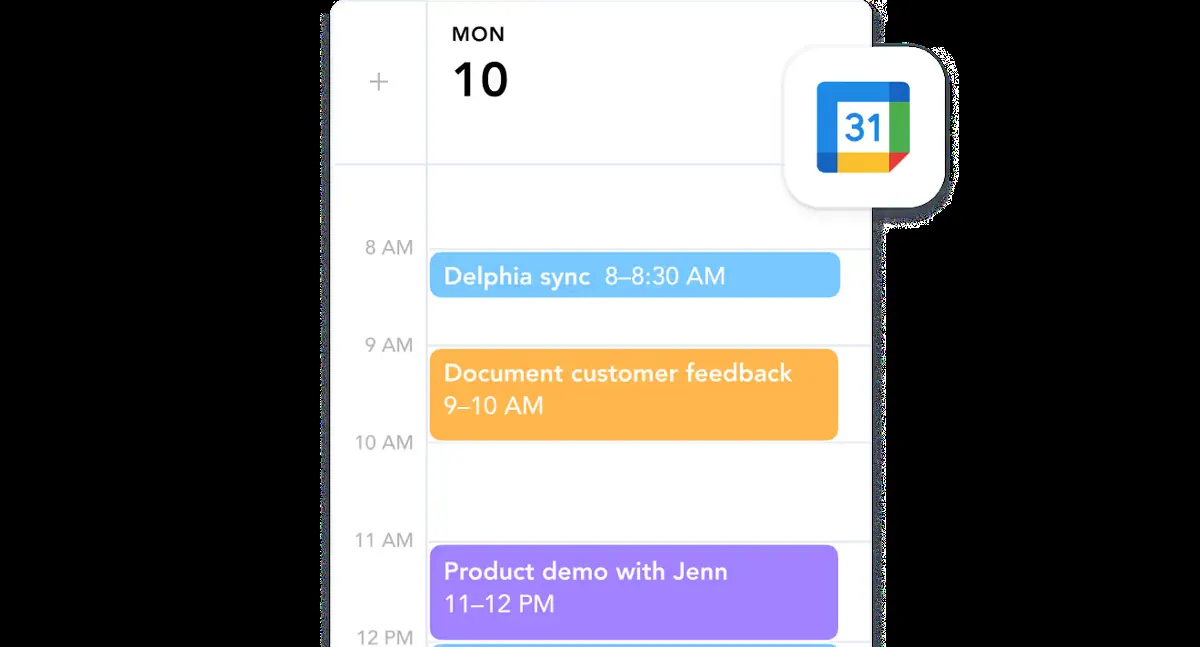
Calendar View
Tasks and meetings live side by side.
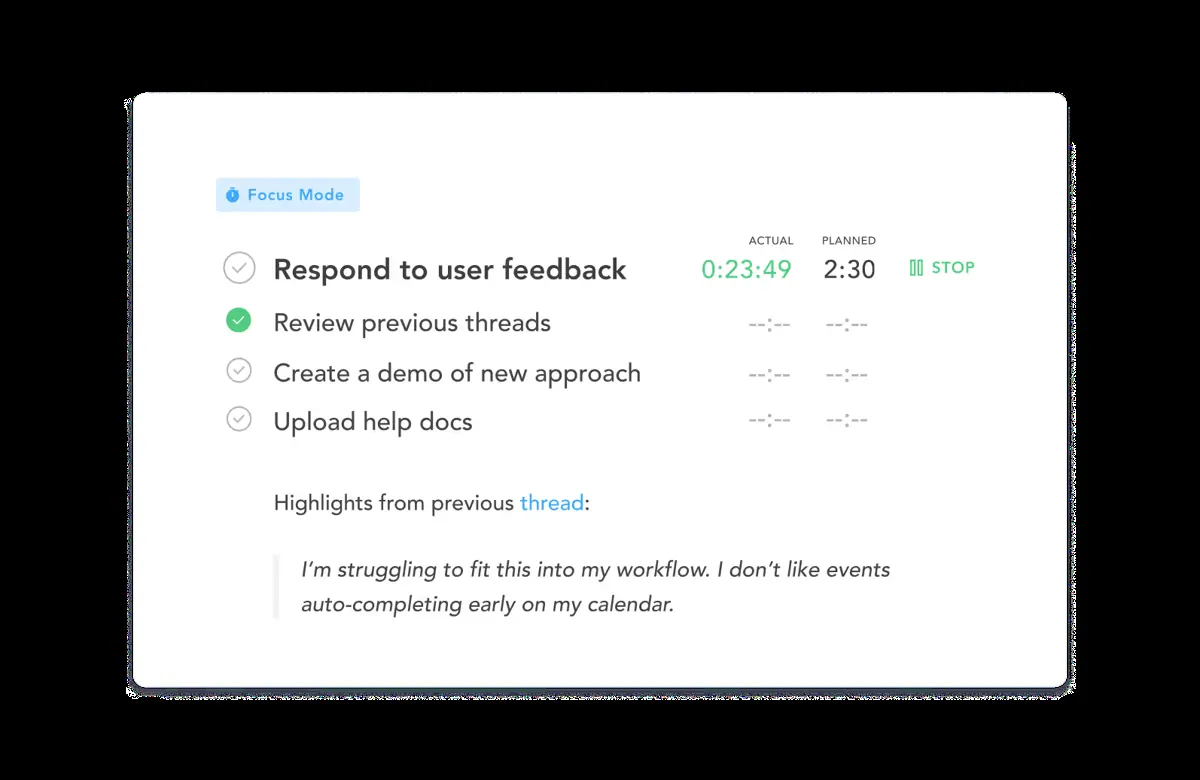
Focus Time
Built for fewer distractions during the workday.
Account Link
Connect your Sunsama account to ChatGPT.
You stay in control
You approve access, and you can disconnect Sunsama at any time.
Apps 1
What Sunsama does in ChatGPT
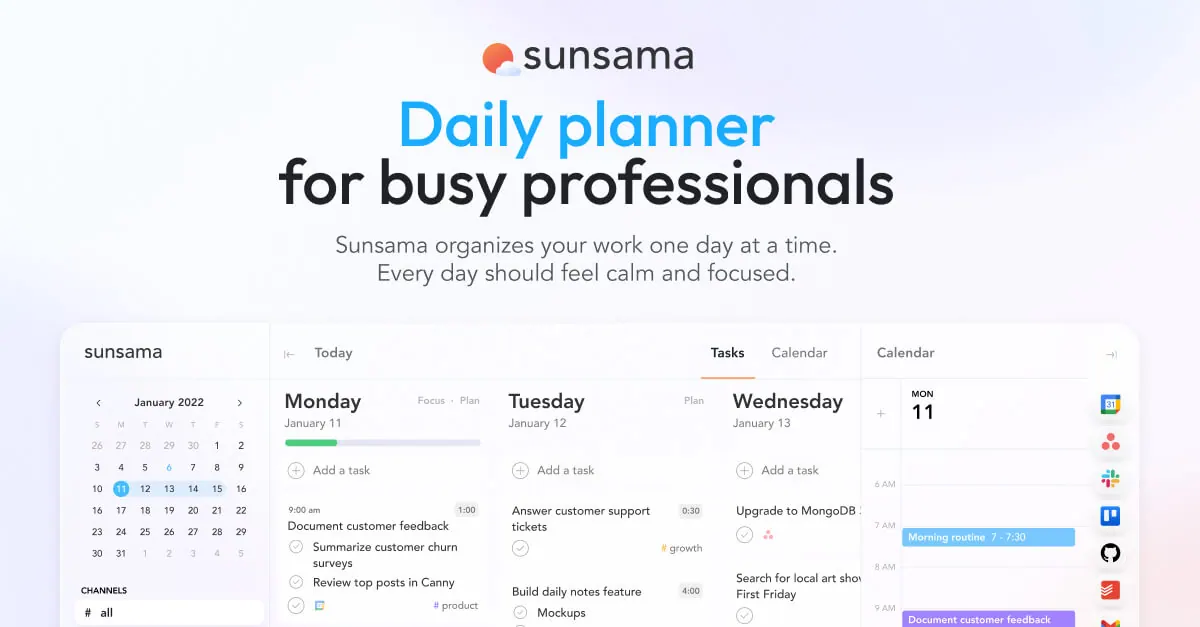
The Sunsama plugin links Sunsama, a daily planner that combines a task list with a calendar, to ChatGPT. Sunsama is built around planning one day at a time so you can concentrate on the work that matters most without overloading yourself.
The listing is short and does not give sample requests or name specific actions the plugin can take in the chat. It does not confirm whether it can read your tasks and calendar, add new tasks or change your plan, so treat the examples on this page as likely uses rather than promises.
Sunsama describes itself as a planner for professionals who want fewer distractions, more time for high-impact work and a calmer workday without burning out. You would need a Sunsama account to connect it, and the listing does not mention pricing or plans.
Who it is for
- Sunsama users
- Professionals who plan day by day
- People juggling tasks and meetings
How to add Sunsama to ChatGPT
- Open the Sunsama listing in ChatGPT ↗.
- Click Install plugin.
- Sign in to your Sunsama account when asked and approve the access it requests.
- Start a chat and ask for what you need, mentioning Sunsama if ChatGPT does not pick it up.
- To stop, disconnect Sunsama under apps in your ChatGPT settings.
Questions about Sunsama
What is the Sunsama ChatGPT plugin?
The Sunsama plugin links Sunsama, a daily planner that combines a task list with a calendar, to ChatGPT. Sunsama is built around planning one day at a time so you can concentrate on the work that matters most without overloading yourself. It is listed in ChatGPT's plugin marketplace under Productivity.
What can I ask Sunsama to do in ChatGPT?
For example: "What is on my Sunsama plan for today?", "Help me plan tomorrow in Sunsama", "What tasks do I have this week?".
Who makes the Sunsama plugin for ChatGPT?
The ChatGPT listing names Sunsama as the developer. The version listed on 8 October 2026 was 1.0.0.
How do I add Sunsama to ChatGPT?
Open the Sunsama listing in ChatGPT, click Install plugin, sign in to your Sunsama account and approve the access it asks for. Then ask for what you need in a chat, mentioning Sunsama if ChatGPT does not pick it up.
Can Sunsama change things in my account, or only read?
It connects to your Sunsama account. The listing does not spell out what it reads or changes there.
Who is the Sunsama plugin for?
Sunsama users, professionals who plan day by day and people juggling tasks and meetings.
What is Sunsama?
A daily planner that puts your tasks and calendar in one place, focused on planning each day.
Does Sunsama see my ChatGPT chats?
When Sunsama is connected, ChatGPT may share the parts of your chats and memories that matter for a request with Sunsama. What Sunsama does with that data falls under its own terms and privacy policy. ChatGPT keeps your training-data settings, and you can disconnect at any time.
How do I disconnect Sunsama from ChatGPT?
Open your ChatGPT settings, go to apps, and disconnect Sunsama. You can reconnect later from the listing.
What are alternatives to Sunsama in ChatGPT?
Similar plugins in the ChatGPT marketplace include mfloow, ClickUp and Google Calendar. Each has its own page in this directory.

Privacy and your data
When Sunsama is connected, ChatGPT may share the parts of your chats and memories that matter for a request with Sunsama. What Sunsama then does with that data falls under its own terms and privacy policy, not only OpenAI's. ChatGPT keeps your training-data settings for data that comes from connected apps, and you can disconnect at any time.
Sunsama privacy policy ↗Sunsama terms ↗OpenAI: apps in ChatGPT ↗