
Webflow
Lets ChatGPT design, build and manage your Webflow sites and edit CMS content.
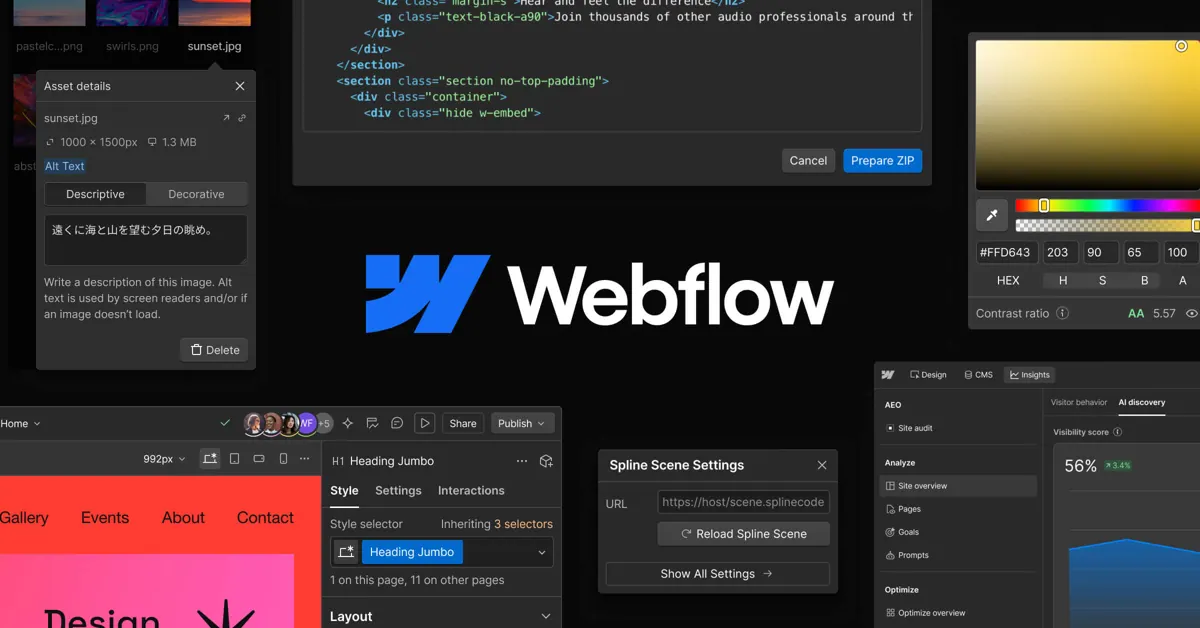


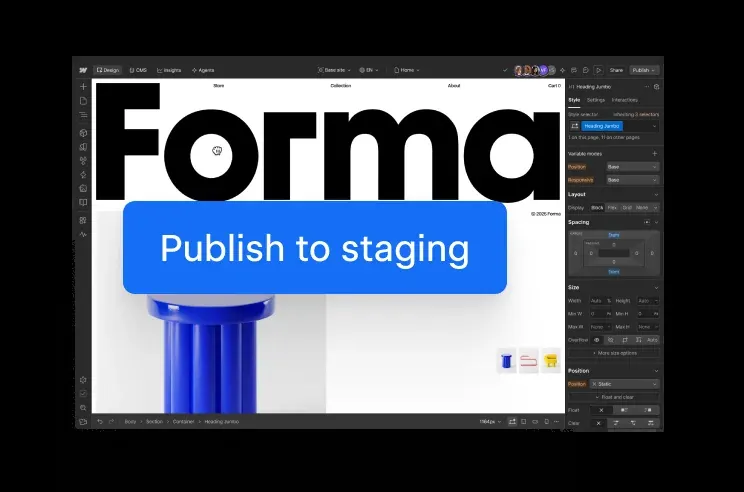
Images: webflow.com
What Webflow can do in ChatGPT
Build, edit and manage Webflow sites from chat.
Site Building
Design, build and manage sites in your Webflow workspace.
CMS Editing
Write and edit the content stored in your Webflow CMS.
Content Translation
Localize CMS content into other languages.
Custom Code
Add custom code integrations and deploy apps on Webflow Cloud.
Site Analytics
Check site activity, performance and AEO.
You stay in control
You approve access, and you can disconnect Webflow at any time.
Apps 1
What Webflow does in ChatGPT
The Webflow plugin connects ChatGPT to your Webflow workspace. Once connected, ChatGPT can work on your sites directly, helping to design, build and manage them, and to write, edit and translate the content stored in your Webflow CMS, such as blog posts, product pages and other collection items.
It also comes with built-in skills for more technical work. These cover adding custom code integrations, deploying web apps on Webflow Cloud, and looking at how a site is doing, including activity, performance and AEO, which is how well a site shows up in AI answers.
The listing says Webflow adds new abilities to the app over time. Because it can change your sites and content, it makes sense to say clearly which site and which pages you mean, and to review changes before they go live.
Who it is for
- Teams running sites on Webflow
- Content editors working in the Webflow CMS
- Developers adding code or apps to Webflow
How to add Webflow to ChatGPT
- Open the Webflow listing in ChatGPT ↗.
- Click Install plugin.
- Sign in to your Webflow account when asked and approve the access it requests.
- Start a chat and ask for what you need, mentioning Webflow if ChatGPT does not pick it up.
- To stop, disconnect Webflow under apps in your ChatGPT settings.
Questions about Webflow
What is the Webflow ChatGPT plugin?
The Webflow plugin connects ChatGPT to your Webflow workspace. Once connected, ChatGPT can work on your sites directly, helping to design, build and manage them, and to write, edit and translate the content stored in your Webflow CMS, such as blog posts, product pages and other collection items. It is listed in ChatGPT's plugin marketplace under Business & Operations.
What can I ask Webflow to do in ChatGPT?
For example: "List the sites in my Webflow workspace", "Add a new blog post to my Webflow CMS", "Translate my homepage content into Spanish".
Who makes the Webflow plugin for ChatGPT?
The ChatGPT listing names Webflow as the developer. The version listed on 8 October 2026 was 4.0.0.
How do I add Webflow to ChatGPT?
Open the Webflow listing in ChatGPT, click Install plugin, sign in to your Webflow account and approve the access it asks for. Then ask for what you need in a chat, mentioning Webflow if ChatGPT does not pick it up.
Can Webflow change things in my account, or only read?
It works inside your connected Webflow workspace and can build and change sites, edit and translate CMS content, and deploy apps. It can also read site activity and performance data.
Who is the Webflow plugin for?
Teams running sites on Webflow, content editors working in the Webflow CMS and developers adding code or apps to Webflow.
Can the Webflow plugin translate my content?
Yes. The listing says it can localize your CMS content as well as write and edit it.
What is AEO in the Webflow listing?
It refers to how well your site appears in answers from AI tools. The plugin can analyze it alongside site activity and performance.
Does Webflow see my ChatGPT chats?
When Webflow is connected, ChatGPT may share the parts of your chats and memories that matter for a request with Webflow. What Webflow does with that data falls under its own terms and privacy policy. ChatGPT keeps your training-data settings, and you can disconnect at any time.
How do I disconnect Webflow from ChatGPT?
Open your ChatGPT settings, go to apps, and disconnect Webflow. You can reconnect later from the listing.
What are alternatives to Webflow in ChatGPT?
Similar plugins in the ChatGPT marketplace include LinkedIn Ads, Replo and Systeme.io. Each has its own page in this directory.



Privacy and your data
When Webflow is connected, ChatGPT may share the parts of your chats and memories that matter for a request with Webflow. What Webflow then does with that data falls under its own terms and privacy policy, not only OpenAI's. ChatGPT keeps your training-data settings for data that comes from connected apps, and you can disconnect at any time.
Webflow privacy policy ↗Webflow terms ↗OpenAI: apps in ChatGPT ↗