
WisdomAI
Answers business data questions from governed company data with traceable definitions and sources.


Images: wisdom.ai
What WisdomAI can do in ChatGPT
Ask business data questions with traceable answers.
Data Questions
Ask about revenue, plans and other metrics in plain words.
Follow-Up Analysis
Break an answer down by segment or time period.
Traceable Sources
See which definition and data each answer used.
Row-Level Security
Answers respect what the person asking may see.
Governed Context
Corrections go through expert review and versioning.
You stay in control
You approve access, and you can disconnect WisdomAI at any time.
Apps 1
What WisdomAI does in ChatGPT
The WisdomAI plugin lets you ask questions of your company's business data in ChatGPT and get answers that can be traced back to their definitions and sources. It is built for analytical questions where the same question should give the same answer every time.
It uses your data connections, catalogs and semantic layers, picking the right context for each question. It applies row and column security for the person asking, tunes queries for the underlying platform, checks results and fixes queries that fail. It can run fully on-premises.
It learns business context from documents, query logs, catalogs, dbt and BI metadata. Gaps it finds and corrections people make go through expert review and versioning. In the chat you can follow up on an answer, dig into a broad question or see what data you can access.
Who it is for
- Finance teams checking results against plan
- Business analysts answering data questions
- Data teams in regulated companies
How to add WisdomAI to ChatGPT
- Open the WisdomAI listing in ChatGPT ↗.
- Click Install plugin.
- Sign in to your WisdomAI account when asked and approve the access it requests.
- Start a chat and ask for what you need, mentioning WisdomAI if ChatGPT does not pick it up.
- To stop, disconnect WisdomAI under apps in your ChatGPT settings.
Questions about WisdomAI
What is the WisdomAI ChatGPT plugin?
The WisdomAI plugin lets you ask questions of your company's business data in ChatGPT and get answers that can be traced back to their definitions and sources. It is built for analytical questions where the same question should give the same answer every time. It is listed in ChatGPT's plugin marketplace under Data & Analytics.
What can I ask WisdomAI to do in ChatGPT?
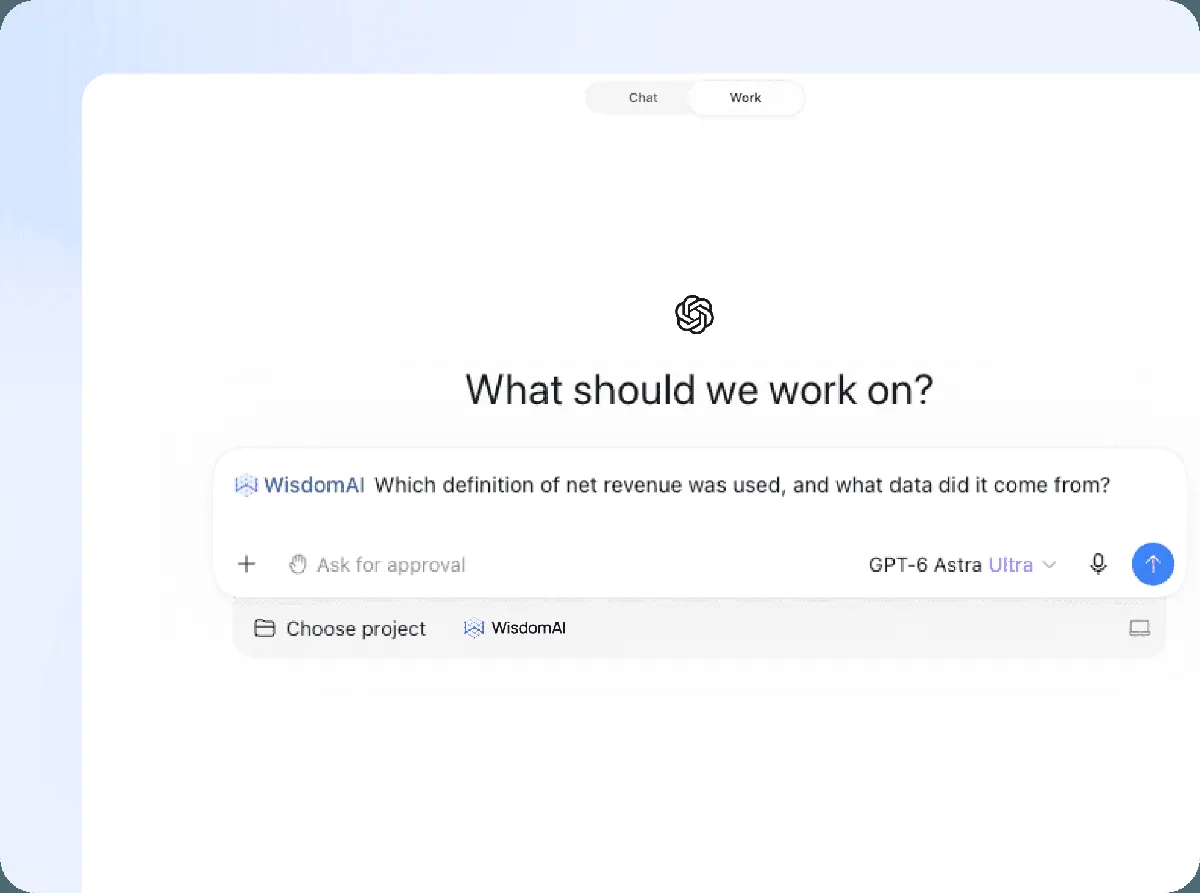
For example: "How did Q3 net revenue track against plan in EMEA?", "Break that down by segment and show the last four quarters", "Which definition of net revenue was used, and what data did it come from?".
Who makes the WisdomAI plugin for ChatGPT?
The ChatGPT listing names Wisdom AI, Inc. as the developer. The version listed on 8 October 2026 was 1.0.1.
How do I add WisdomAI to ChatGPT?
Open the WisdomAI listing in ChatGPT, click Install plugin, sign in to your WisdomAI account and approve the access it asks for. Then ask for what you need in a chat, mentioning WisdomAI if ChatGPT does not pick it up.
Can WisdomAI change things in my account, or only read?
It queries your company's connected data platforms with row- and column-level security for the person asking. In on-premises setups, queries run behind your firewall and only the answer leaves.
Who is the WisdomAI plugin for?
Finance teams checking results against plan, business analysts answering data questions and data teams in regulated companies.
Can WisdomAI run on-premises?
Yes. The listing says it can run fully on-premises, keeping context and query execution behind your firewall.
Can I see where an answer came from?
Yes. You can ask which definition was used and what data the answer came from.
Does WisdomAI see my ChatGPT chats?
When WisdomAI is connected, ChatGPT may share the parts of your chats and memories that matter for a request with WisdomAI. What WisdomAI does with that data falls under its own terms and privacy policy. ChatGPT keeps your training-data settings, and you can disconnect at any time.
How do I disconnect WisdomAI from ChatGPT?
Open your ChatGPT settings, go to apps, and disconnect WisdomAI. You can reconnect later from the listing.
What are alternatives to WisdomAI in ChatGPT?
Similar plugins in the ChatGPT marketplace include Data, Carbon Arc and Atlan. Each has its own page in this directory.



Privacy and your data
When WisdomAI is connected, ChatGPT may share the parts of your chats and memories that matter for a request with WisdomAI. What WisdomAI then does with that data falls under its own terms and privacy policy, not only OpenAI's. ChatGPT keeps your training-data settings for data that comes from connected apps, and you can disconnect at any time.
WisdomAI privacy policy ↗WisdomAI terms ↗OpenAI: apps in ChatGPT ↗