
Xero Connector by Meridian
Lets ChatGPT and Codex read from and write to one or more Xero companies.
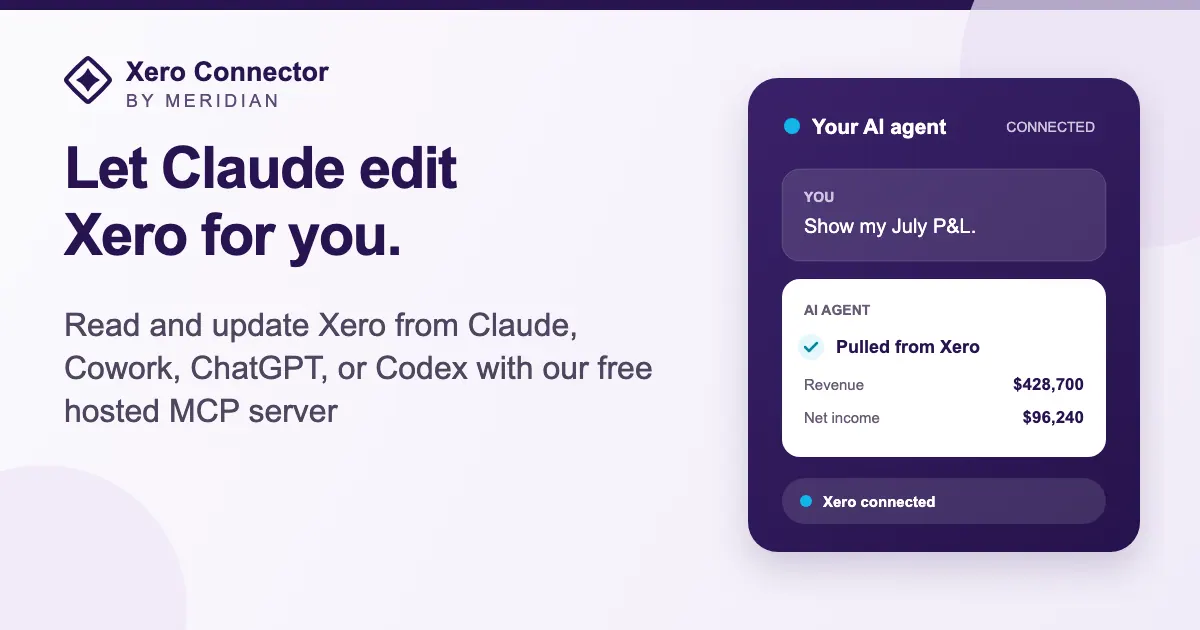
Images: xero-connector.meridian.pilot.com
What Xero Connector by Meridian can do in ChatGPT
Read and write Xero data across several companies.
Multiple Companies
Link several Xero companies to one agent for intercompany entries.
Per Company Access
Set read-only or read-write separately for each company.
Create Transactions
Add accounts, Xero transactions and draft fixed assets.
Bulk Invoices
Create many invoices or import credit card transactions at once.
Attachments
Upload, list and download supporting files on records.
You stay in control
You approve access, and you can disconnect Xero Connector by Meridian at any time.
Apps 1
What Xero Connector by Meridian does in ChatGPT
The Xero Connector by Meridian plugin gives ChatGPT and Codex both read and write access to Xero. It is built for people who do the bookkeeping work itself, not just look at reports, and it can hold connections to several Xero companies at once inside the same agent.
Having several companies connected helps when you book entries between related businesses. You can look at full invoice and bill lines, contact details and long paged result lists. It can also create accounts, any kind of Xero transaction and draft fixed assets, bulk-create invoices and import credit card transactions.
Access is set per company, so one company can stay read-only while another allows changes. It can upload, list and download supporting attachments, and it can fill in a reporting template specific to your firm. Pilot.com, Inc. is the listed developer.
Who it is for
- Accountants managing several Xero companies
- Bookkeepers who post many transactions
- Finance teams using Codex with Xero
How to add Xero Connector by Meridian to ChatGPT
- Open the Xero Connector by Meridian listing in ChatGPT ↗.
- Click Install plugin.
- Sign in to your Xero Connector by Meridian account when asked and approve the access it requests.
- Start a chat and ask for what you need, mentioning Xero Connector by Meridian if ChatGPT does not pick it up.
- To stop, disconnect Xero Connector by Meridian under apps in your ChatGPT settings.
Questions about Xero Connector by Meridian
What is the Xero Connector by Meridian ChatGPT plugin?
The Xero Connector by Meridian plugin gives ChatGPT and Codex both read and write access to Xero. It is built for people who do the bookkeeping work itself, not just look at reports, and it can hold connections to several Xero companies at once inside the same agent. It is listed in ChatGPT's plugin marketplace under Finance.
What can I ask Xero Connector by Meridian to do in ChatGPT?
For example: "Book an intercompany journal entry between my two Xero companies", "Show me every line item on bill 4512", "Create these 20 invoices from the table below".
Who makes the Xero Connector by Meridian plugin for ChatGPT?
The ChatGPT listing names Pilot.com, Inc. as the developer. The version listed on 8 October 2026 was 1.0.7.
How do I add Xero Connector by Meridian to ChatGPT?
Open the Xero Connector by Meridian listing in ChatGPT, click Install plugin, sign in to your Xero Connector by Meridian account and approve the access it asks for. Then ask for what you need in a chat, mentioning Xero Connector by Meridian if ChatGPT does not pick it up.
Can Xero Connector by Meridian change things in my account, or only read?
It reads Xero data and, where you allow it, creates accounts, transactions, invoices, draft fixed assets and attachments. Read-only or read-write is chosen per connected company.
Who is the Xero Connector by Meridian plugin for?
Accountants managing several Xero companies, bookkeepers who post many transactions and finance teams using Codex with Xero.
Can I connect more than one Xero company?
Yes. Several companies can be linked to the same agent, which the listing points out is handy for intercompany journal entries.
Can I keep one company read-only?
Yes. You choose read-only or read-write separately for each company you connect.
Does it work outside ChatGPT?
The listing says the connector works with both ChatGPT and Codex.
Does Xero Connector by Meridian see my ChatGPT chats?
When Xero Connector by Meridian is connected, ChatGPT may share the parts of your chats and memories that matter for a request with Xero Connector by Meridian. What Xero Connector by Meridian does with that data falls under its own terms and privacy policy. ChatGPT keeps your training-data settings, and you can disconnect at any time.
How do I disconnect Xero Connector by Meridian from ChatGPT?
Open your ChatGPT settings, go to apps, and disconnect Xero Connector by Meridian. You can reconnect later from the listing.
What are alternatives to Xero Connector by Meridian in ChatGPT?
Similar plugins in the ChatGPT marketplace include Elevate Invoices, Rillet and PayPal. Each has its own page in this directory.



Privacy and your data
When Xero Connector by Meridian is connected, ChatGPT may share the parts of your chats and memories that matter for a request with Xero Connector by Meridian. What Xero Connector by Meridian then does with that data falls under its own terms and privacy policy, not only OpenAI's. ChatGPT keeps your training-data settings for data that comes from connected apps, and you can disconnect at any time.
Xero Connector by Meridian privacy policy ↗Xero Connector by Meridian terms ↗OpenAI: apps in ChatGPT ↗