
Garchi CMS
Manages pages, blog posts and sections in your Garchi headless CMS from ChatGPT.
Images: garchi.co.uk
What Garchi CMS can do in ChatGPT
Manage your headless CMS content by asking.
Blog Posts
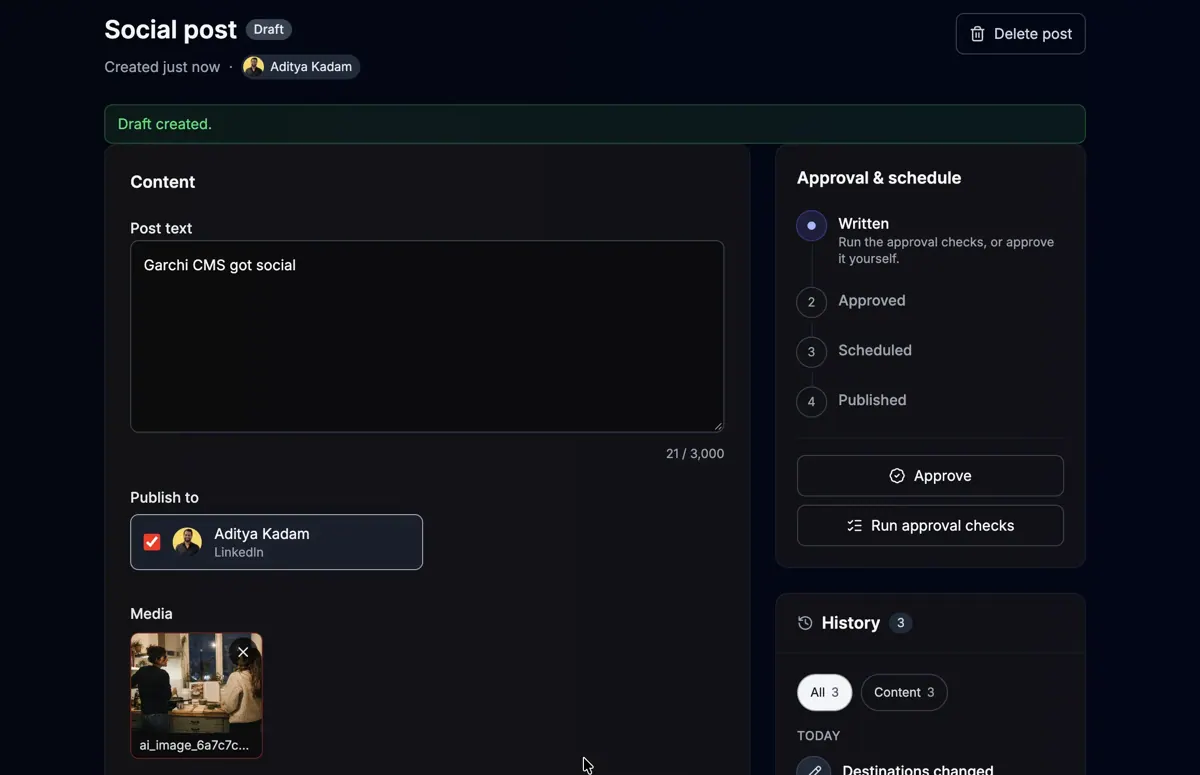
Create posts with author, publish date and a featured image.
Landing Pages
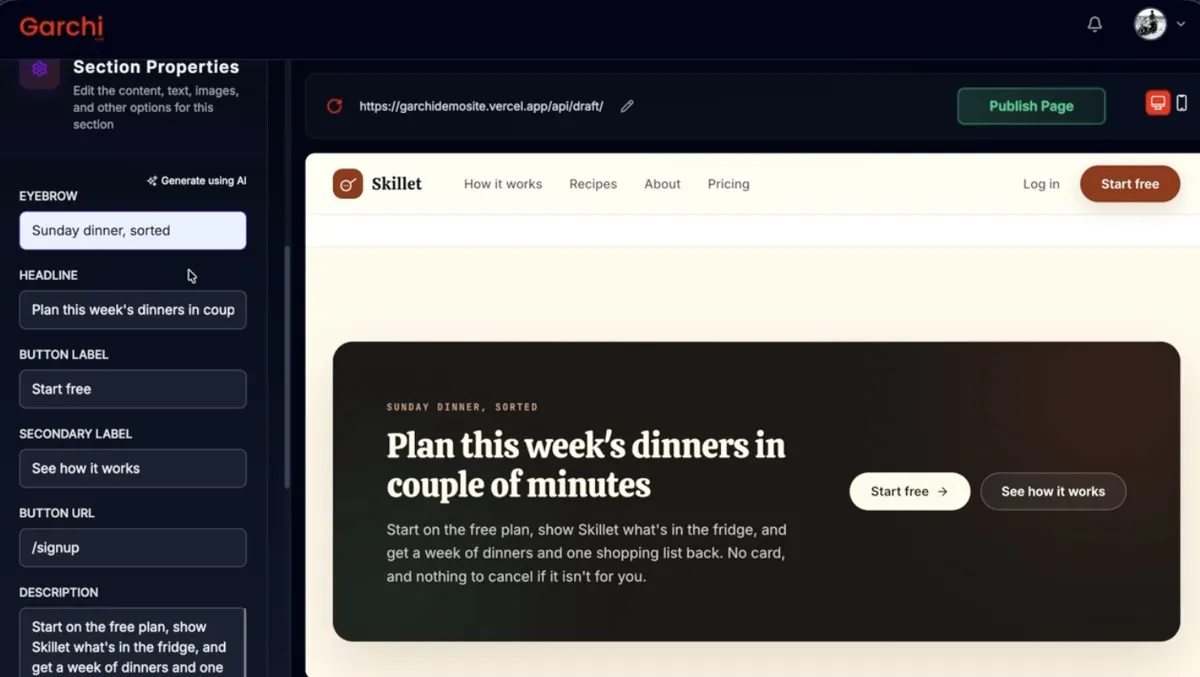
Build a new page from a brief you provide.
Page Sections
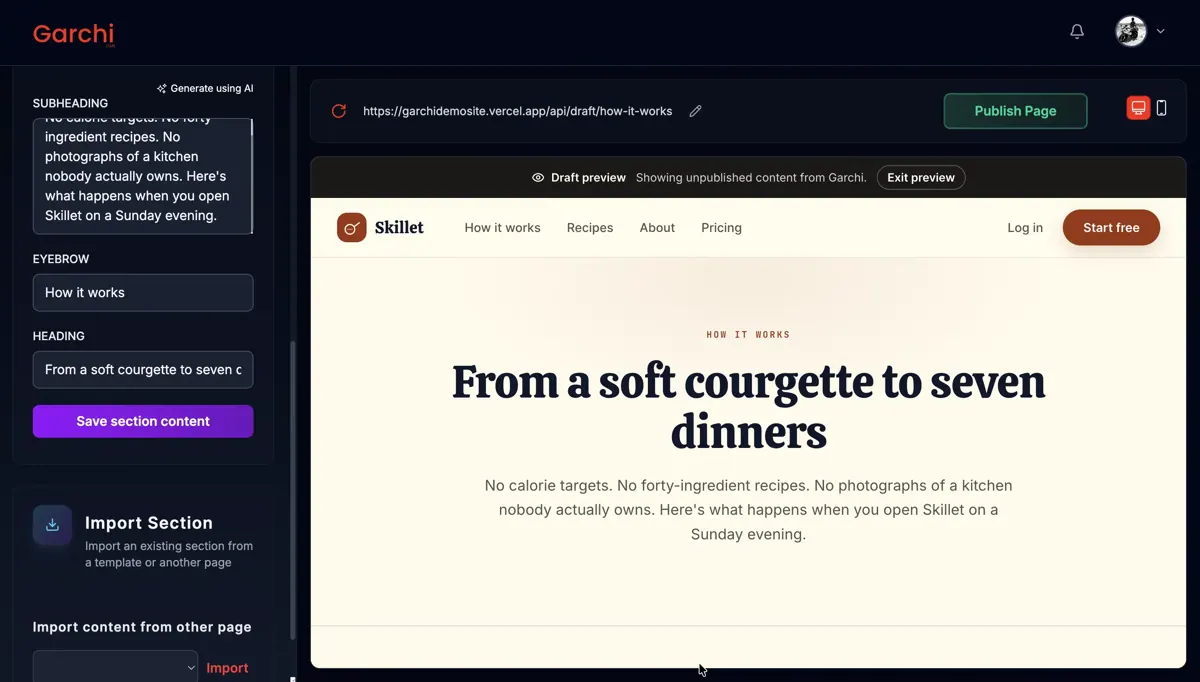
Add sections like an FAQ to an existing page.
SEO Field Check
List pages in a space that are missing SEO fields.
Image Generation
Generate images based on the page content.
You stay in control
You approve access, and you can disconnect Garchi CMS at any time.
Apps 1
What Garchi CMS does in ChatGPT
The Garchi CMS plugin connects ChatGPT to Garchi, a headless CMS that stores content for websites and apps. Headless means the content lives in one place and gets shown by whatever site or app you build. Through the plugin you can manage that content by asking.
You can create blog posts with fields such as author and publish date, and have a featured image made for them. You can build a landing page from a brief, add a new section like an FAQ to an existing page, and generate an image based on the page content.
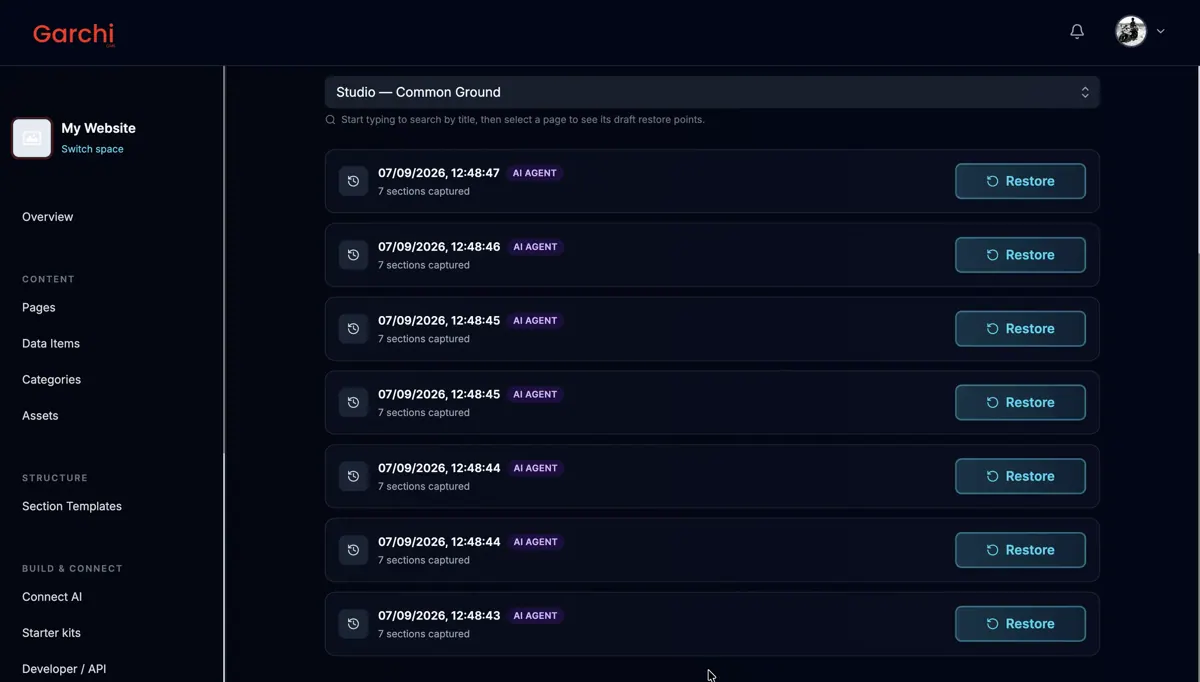
It can also review what you already have, for example listing all pages in a space and pointing out which ones are missing SEO fields so you can fill them in. The listing names three skills: building a site, managing content and rendering content.
Built-in skills
The listing says Garchi CMS comes with 3 skills. Skills are ready-made instructions ChatGPT can use for a specific job.
- Garchi build site
- Garchi manage content
- Garchi render content
Who it is for
- Developers using a headless CMS
- Content teams managing site pages
- Agencies building sites on Garchi
How to add Garchi CMS to ChatGPT
- Open the Garchi CMS listing in ChatGPT ↗.
- Click Install plugin.
- Sign in to your Garchi CMS account when asked and approve the access it requests.
- Start a chat and ask for what you need, mentioning Garchi CMS if ChatGPT does not pick it up.
- To stop, disconnect Garchi CMS under apps in your ChatGPT settings.
Questions about Garchi CMS
What is the Garchi CMS ChatGPT plugin?
The Garchi CMS plugin connects ChatGPT to Garchi, a headless CMS that stores content for websites and apps. Headless means the content lives in one place and gets shown by whatever site or app you build. Through the plugin you can manage that content by asking. It is listed in ChatGPT's plugin marketplace under Developer Tools.
What can I ask Garchi CMS to do in ChatGPT?
For example: "Create a blog post in my Garchi space and set the author to Aditya", "List all pages in my Default space missing SEO fields", "Add an FAQ section to my landing page with a matching image". It also comes with built-in skills such as Garchi build site, Garchi manage content and Garchi render content.
Who makes the Garchi CMS plugin for ChatGPT?
The ChatGPT listing names LumenHarbor Digital Solutions Limited as the developer. The version listed on 8 October 2026 was 4.0.0.
How do I add Garchi CMS to ChatGPT?
Open the Garchi CMS listing in ChatGPT, click Install plugin, sign in to your Garchi CMS account and approve the access it asks for. Then ask for what you need in a chat, mentioning Garchi CMS if ChatGPT does not pick it up.
Can Garchi CMS change things in my account, or only read?
It reads and changes content in your Garchi CMS spaces, including pages, blog posts, sections and fields, and can generate images for them.
Who is the Garchi CMS plugin for?
Developers using a headless CMS, content teams managing site pages and agencies building sites on Garchi.
What is Garchi CMS?
A headless SaaS CMS for managing content shown on websites and apps.
Can it find pages with missing SEO data?
Yes. The listing shows it listing pages in a space and flagging those missing SEO fields.
Does Garchi CMS see my ChatGPT chats?
When Garchi CMS is connected, ChatGPT may share the parts of your chats and memories that matter for a request with Garchi CMS. What Garchi CMS does with that data falls under its own terms and privacy policy. ChatGPT keeps your training-data settings, and you can disconnect at any time.
How do I disconnect Garchi CMS from ChatGPT?
Open your ChatGPT settings, go to apps, and disconnect Garchi CMS. You can reconnect later from the listing.
What are alternatives to Garchi CMS in ChatGPT?
Similar plugins in the ChatGPT marketplace include Context.dev, WordPress.com and 3Min API. Each has its own page in this directory.



Privacy and your data
When Garchi CMS is connected, ChatGPT may share the parts of your chats and memories that matter for a request with Garchi CMS. What Garchi CMS then does with that data falls under its own terms and privacy policy, not only OpenAI's. ChatGPT keeps your training-data settings for data that comes from connected apps, and you can disconnect at any time.
Garchi CMS privacy policy ↗Garchi CMS terms ↗OpenAI: apps in ChatGPT ↗