
Waldo
Researches brands, ads, social conversation and trends, combining outside data with your Waldo workspace.

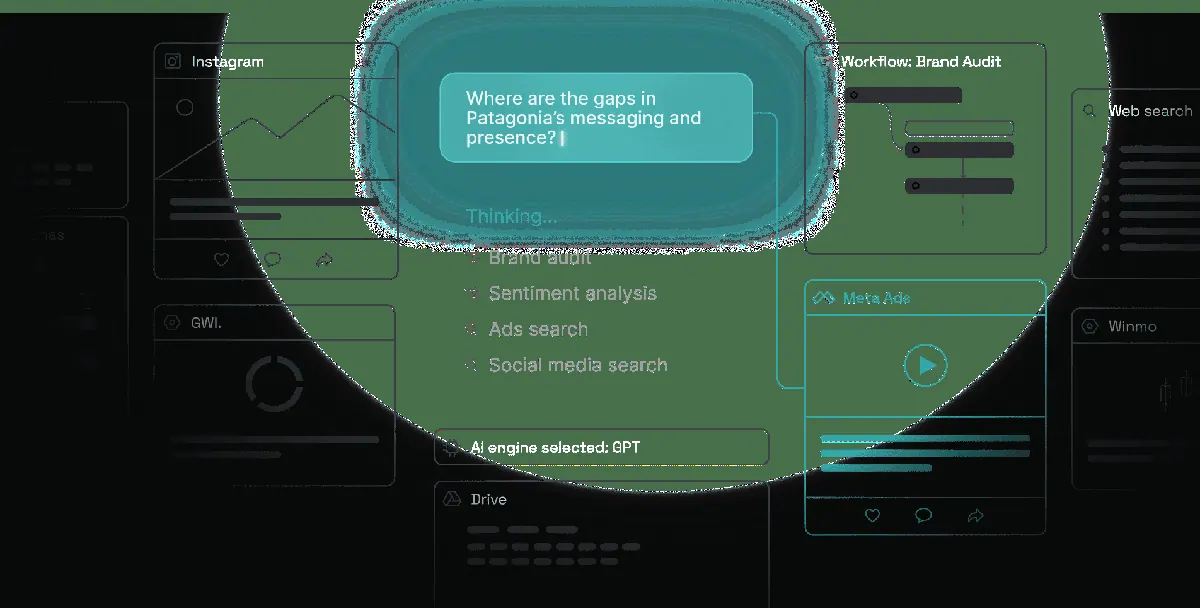
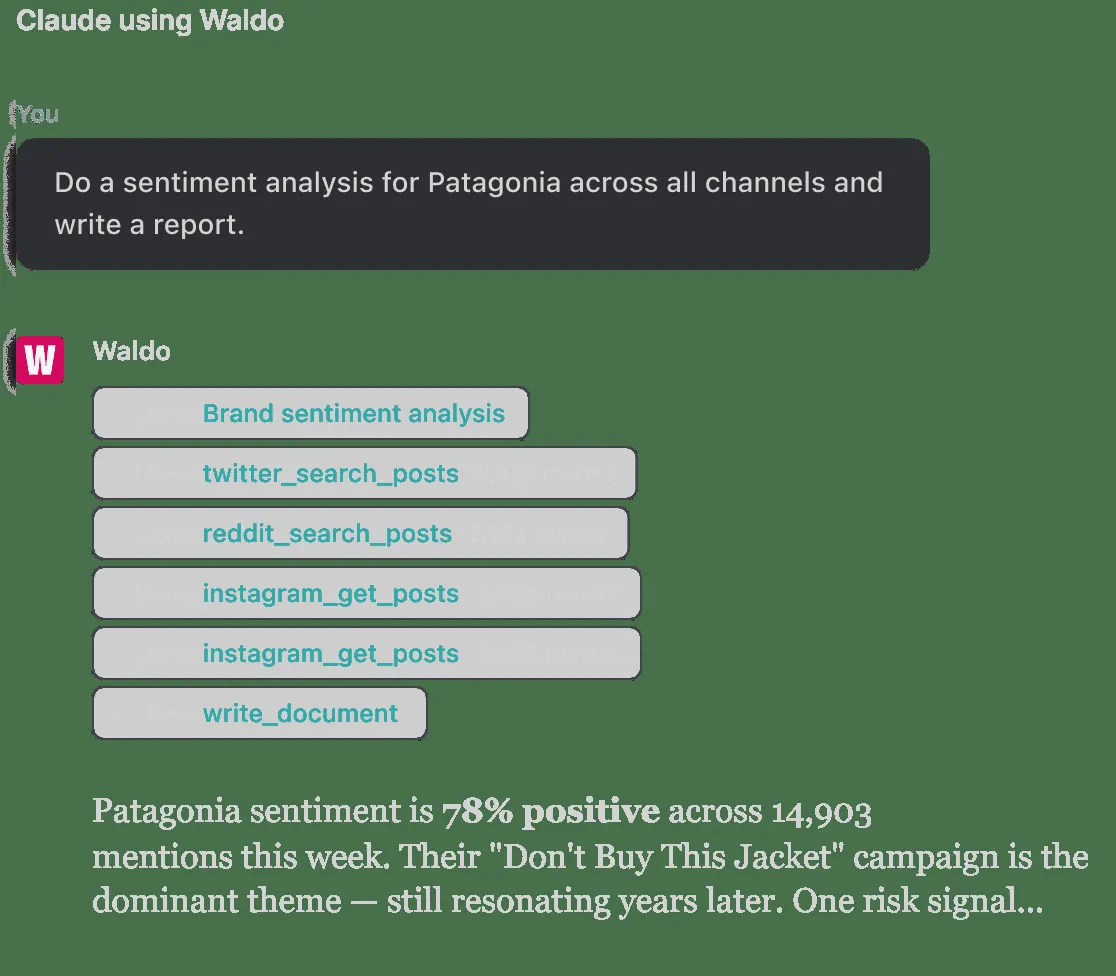
Images: waldo.fyi
What Waldo can do in ChatGPT
Brand, ad and trend research by asking.
Ad Intelligence
Study creative themes in a brand's paid ads and channels.
Social Listening
See conversation and sentiment around a category or brand.
Trend Research
Track what is rising in a market or category.
Web Research
Gather outside sources to answer brand questions.
Workspace Archive
Use research your team saved in Waldo.
You stay in control
You approve access, and you can disconnect Waldo at any time.
Apps 1
What Waldo does in ChatGPT
The Waldo plugin is a research helper for brand and marketing questions inside ChatGPT. You can ask about a brand's advertising, what people are saying on social media, how a category is trending or how audience habits are shifting, and Waldo pulls together an answer.
It works through a set of skills: ad intelligence, social intelligence, trends research, web research, data analysis and archival knowledge. These combine outside data with the research you have saved in your own Waldo workspace, so answers can build on work your team already captured.
Typical uses include checking the mood around a product category, looking at the creative themes in a brand's own channels and paid ads, or tracking how buyers in a market are changing. The listing requires a sign-in for workspace context and does not mention pricing.
Built-in skills
The listing says Waldo comes with 6 skills. Skills are ready-made instructions ChatGPT can use for a specific job.
- Ad intelligence
- Archival knowledge
- Data analysis
- Social intelligence
- Trends research
- Web research
Who it is for
- Brand strategists
- Marketing and ad agencies
- Consumer insights teams
How to add Waldo to ChatGPT
- Open the Waldo listing in ChatGPT ↗.
- Click Install plugin.
- Sign in to your Waldo account when asked and approve the access it requests.
- Start a chat and ask for what you need, mentioning Waldo if ChatGPT does not pick it up.
- To stop, disconnect Waldo under apps in your ChatGPT settings.
Questions about Waldo
What is the Waldo ChatGPT plugin?
The Waldo plugin is a research helper for brand and marketing questions inside ChatGPT. You can ask about a brand's advertising, what people are saying on social media, how a category is trending or how audience habits are shifting, and Waldo pulls together an answer. It is listed in ChatGPT's plugin marketplace under Data & Analytics.
What can I ask Waldo to do in ChatGPT?
For example: "What are people saying on social about plant-based milk?", "How are audience habits changing in the sports drink category?", "What creative themes show up in Adidas's paid ads?". It also comes with built-in skills such as Ad intelligence, Archival knowledge and Data analysis.
Who makes the Waldo plugin for ChatGPT?
The ChatGPT listing names Curiosities, Inc. as the developer. The version listed on 8 October 2026 was 4.0.1.
How do I add Waldo to ChatGPT?
Open the Waldo listing in ChatGPT, click Install plugin, sign in to your Waldo account and approve the access it asks for. Then ask for what you need in a chat, mentioning Waldo if ChatGPT does not pick it up.
Can Waldo change things in my account, or only read?
It combines outside data such as ads, social and web sources with the intelligence saved in your signed-in Waldo workspace.
Who is the Waldo plugin for?
Brand strategists, marketing and ad agencies and consumer insights teams.
What skills does Waldo include?
Ad intelligence, archival knowledge, data analysis, social intelligence, trends research and web research.
Can Waldo use my team's saved research?
Yes. The listing says it uses captured intelligence from your authenticated Waldo workspace alongside outside data.
Does Waldo see my ChatGPT chats?
When Waldo is connected, ChatGPT may share the parts of your chats and memories that matter for a request with Waldo. What Waldo does with that data falls under its own terms and privacy policy. ChatGPT keeps your training-data settings, and you can disconnect at any time.
How do I disconnect Waldo from ChatGPT?
Open your ChatGPT settings, go to apps, and disconnect Waldo. You can reconnect later from the listing.
What are alternatives to Waldo in ChatGPT?
Similar plugins in the ChatGPT marketplace include JoomPulse, Adobe CJA and Enterpret. Each has its own page in this directory.



Privacy and your data
When Waldo is connected, ChatGPT may share the parts of your chats and memories that matter for a request with Waldo. What Waldo then does with that data falls under its own terms and privacy policy, not only OpenAI's. ChatGPT keeps your training-data settings for data that comes from connected apps, and you can disconnect at any time.
Waldo privacy policy ↗Waldo terms ↗OpenAI: apps in ChatGPT ↗