Zendesk (Beta)
Looks into Zendesk tickets and support activity, and updates Zendesk only when you ask it to.

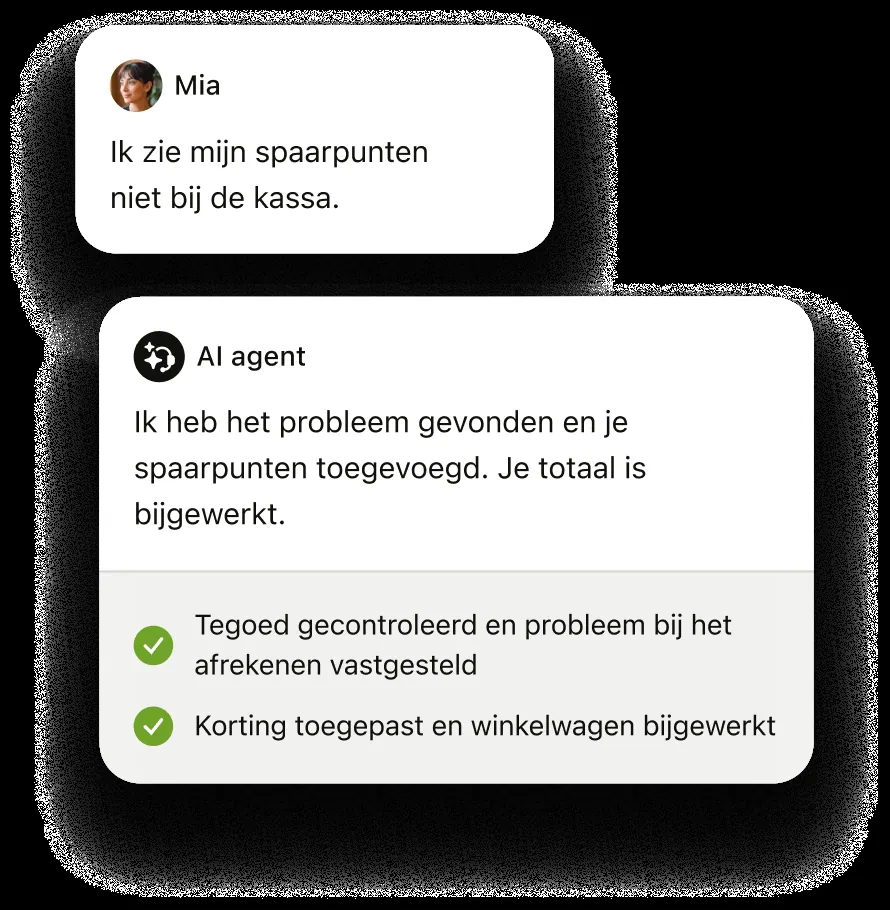
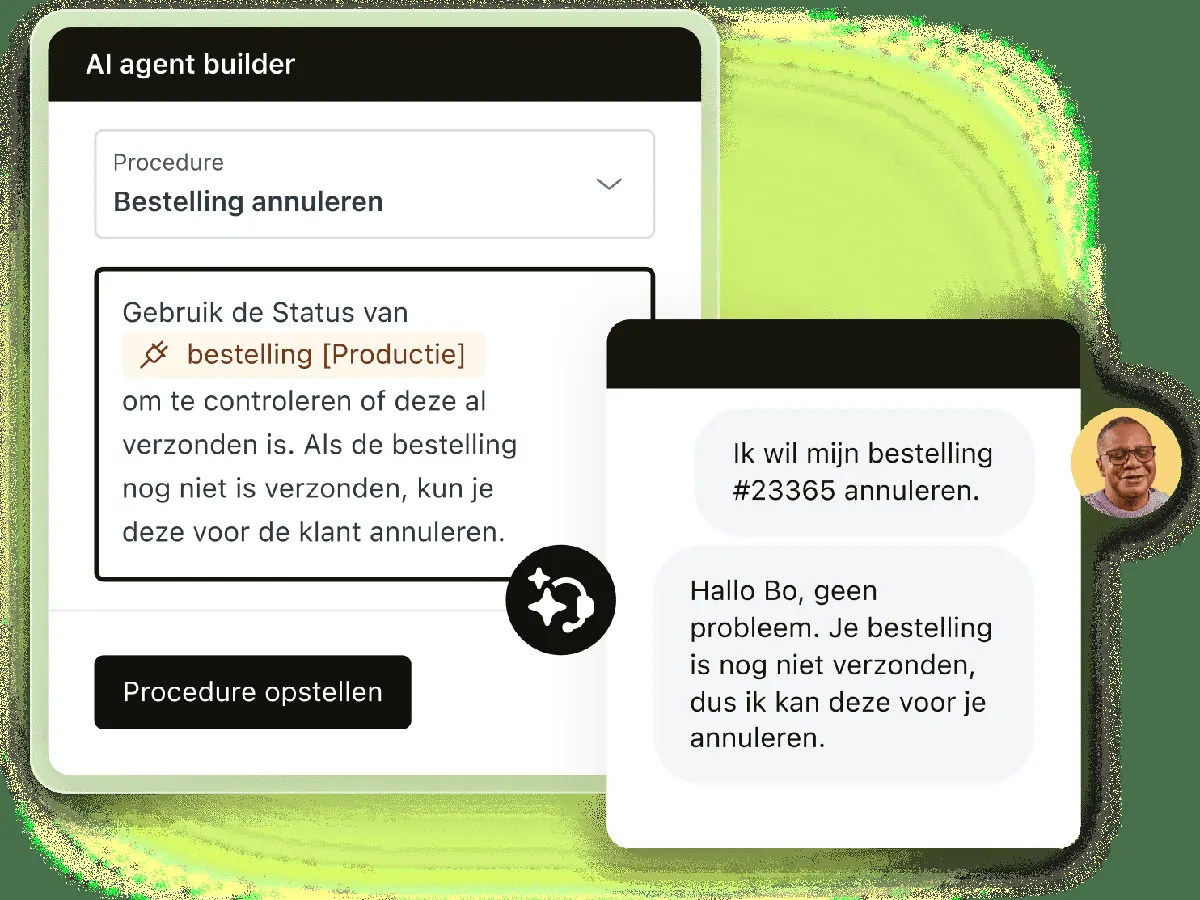
Images: zendesk.com
What Zendesk (Beta) can do in ChatGPT
Look into support work and update Zendesk on request.
Ticket Investigation
Dig into tickets to understand what happened and where they stand.
Customer Context
Pull up background on a customer while you work a ticket.
Support Operations
Review how your support work is running across Zendesk.
Updates On Request
Makes changes in Zendesk only when you ask for them.
Status Page
Use actions on the public Zendesk Status page.
You stay in control
You approve access, and you can disconnect Zendesk (Beta) at any time.
Apps 2
What Zendesk (Beta) does in ChatGPT
The Zendesk (Beta) plugin connects ChatGPT to Zendesk so you can look into support work from the chat. It covers Zendesk Support, Guide, Talk and the public Status page. It is built by OpenAI rather than by Zendesk, and it is marked as a beta at version 0.1.0.
The listing describes two jobs. The first is investigating: reading tickets and customer context, and reviewing how support operations are running. The second is managing work in Zendesk, where it makes changes only when you ask for them. Its listed capabilities are interactive, read and write.
The listing is short and does not name individual actions, ticket fields or reports. Expect it to help support agents and leads get answers out of Zendesk data faster, and to make edits when requested. As a beta, it is an early release of the connection.
Who it is for
- Support agents working Zendesk tickets
- Support leads reviewing team operations
- Teams using Zendesk Guide or Talk
How to add Zendesk (Beta) to ChatGPT
- Open the Zendesk (Beta) listing in ChatGPT ↗.
- Click Install plugin.
- Sign in to your Zendesk (Beta) account when asked and approve the access it requests.
- Start a chat and ask for what you need, mentioning Zendesk (Beta) if ChatGPT does not pick it up.
- To stop, disconnect Zendesk (Beta) under apps in your ChatGPT settings.
Questions about Zendesk (Beta)
What is the Zendesk (Beta) ChatGPT plugin?
The Zendesk (Beta) plugin connects ChatGPT to Zendesk so you can look into support work from the chat. It covers Zendesk Support, Guide, Talk and the public Status page. It is built by OpenAI rather than by Zendesk, and it is marked as a beta at version 0.1.0. It is listed in ChatGPT's plugin marketplace under Business & Operations.
What can I ask Zendesk (Beta) to do in ChatGPT?
For example: "Summarize the open tickets from this customer", "What has this customer contacted us about before?", "Review our support queue and point out tickets that need attention".
Who makes the Zendesk (Beta) plugin for ChatGPT?
The ChatGPT listing names OpenAI as the developer. The version listed on 8 October 2026 was 0.1.0.
How do I add Zendesk (Beta) to ChatGPT?
Open the Zendesk (Beta) listing in ChatGPT, click Install plugin, sign in to your Zendesk (Beta) account and approve the access it asks for. Then ask for what you need in a chat, mentioning Zendesk (Beta) if ChatGPT does not pick it up.
Can Zendesk (Beta) change things in my account, or only read?
It can read Zendesk tickets, customer context and support activity, and has write access that it uses to update Zendesk only when you request it.
Who is the Zendesk (Beta) plugin for?
Support agents working Zendesk tickets, support leads reviewing team operations and teams using Zendesk Guide or Talk.
Which Zendesk products does it cover?
Zendesk Support, Guide and Talk, plus actions on the public Zendesk Status page.
Why is it labelled Beta?
The listing marks it as a beta at version 0.1.0, which means it is an early release. It does not say when a full version will follow.
Does Zendesk (Beta) see my ChatGPT chats?
When Zendesk (Beta) is connected, ChatGPT may share the parts of your chats and memories that matter for a request with Zendesk (Beta). What Zendesk (Beta) does with that data falls under its own terms and privacy policy. ChatGPT keeps your training-data settings, and you can disconnect at any time.
How do I disconnect Zendesk (Beta) from ChatGPT?
Open your ChatGPT settings, go to apps, and disconnect Zendesk (Beta). You can reconnect later from the listing.
What are alternatives to Zendesk (Beta) in ChatGPT?
Similar plugins in the ChatGPT marketplace include HubSpot, Close and Gleap. Each has its own page in this directory.



Privacy and your data
When Zendesk (Beta) is connected, ChatGPT may share the parts of your chats and memories that matter for a request with Zendesk (Beta). What Zendesk (Beta) then does with that data falls under its own terms and privacy policy, not only OpenAI's. ChatGPT keeps your training-data settings for data that comes from connected apps, and you can disconnect at any time.
Zendesk (Beta) privacy policy ↗Zendesk (Beta) terms ↗OpenAI: apps in ChatGPT ↗